Introduction
Wi-Fi Planning Tools are specialized software applications used to design, simulate, and validate wireless networks. These tools allow engineers to upload floor plans, virtually “draw” the environment’s physical characteristics—such as drywall, brick, glass, and elevator shafts—and simulate the placement of Access Points (APs). The result is a color-coded heatmap that predicts signal strength, throughput, and potential dead zones before a single cable is pulled.
The importance of these tools lies in their ability to save time and prevent costly deployment errors. In a real-world scenario, such as a large warehouse or a multi-story hospital, “guessing” where to place APs often leads to signal interference or coverage gaps. Key use cases include predictive modeling for new builds, on-site site surveys for troubleshooting, and capacity planning for high-density environments like stadiums or auditoriums. When evaluating these tools, users should look for RF propagation accuracy, support for the latest standards like Wi-Fi 6E and Wi-Fi 7, and robust reporting capabilities.
Best for: Network engineers, IT consultants, and Managed Service Providers (MSPs) working in sectors like healthcare, education, logistics, and hospitality. Large enterprises with complex multi-floor facilities benefit most from these professional-grade platforms.
Not ideal for: Residential users or micro-businesses with a single router. In these cases, free mobile “Wi-Fi analyzer” apps are usually sufficient and far more cost-effective than professional planning suites.
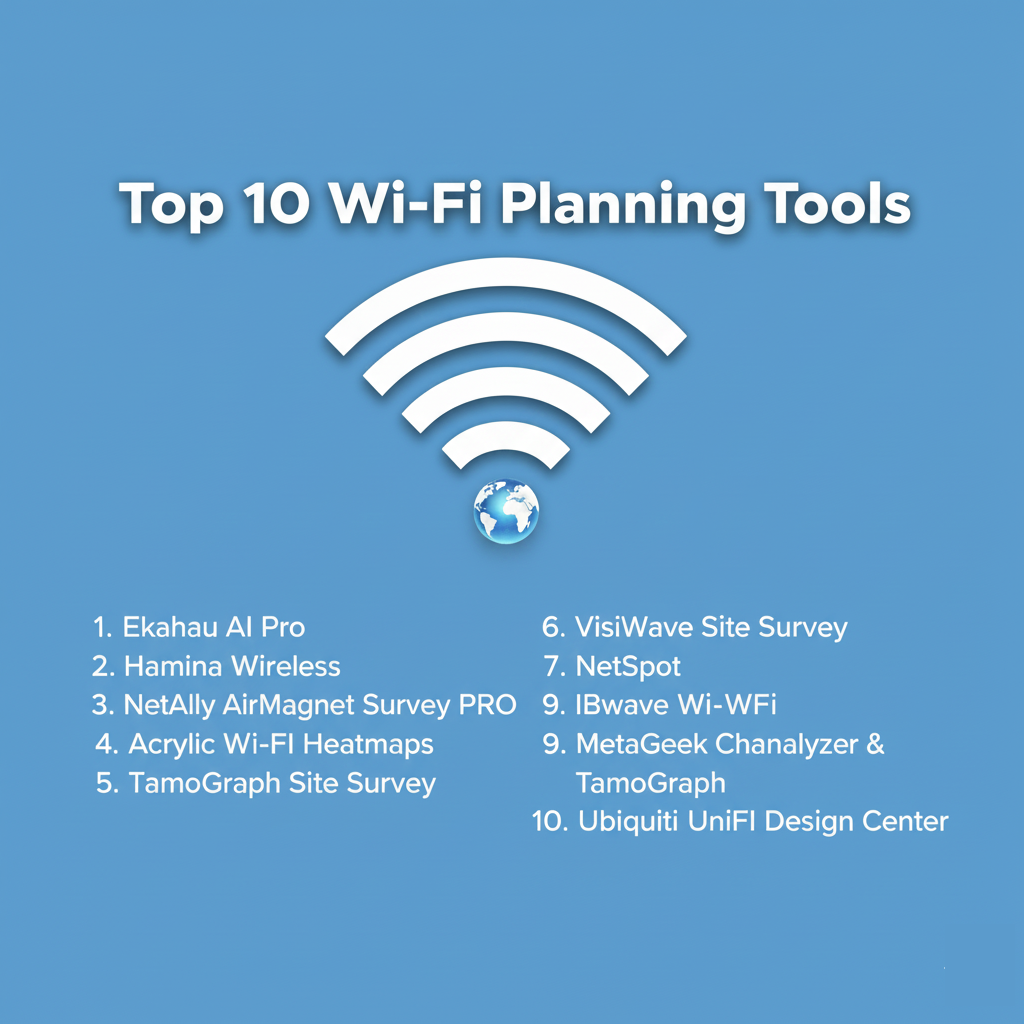
Top 10 Wi-Fi Planning Tools
1 — Ekahau AI Pro
Ekahau is widely considered the industry standard for enterprise Wi-Fi design. It combines advanced AI-driven predictive modeling with professional-grade hardware integration for validation.
- Key Features:
- AI Auto-Planner: Automatically calculates the optimal number and placement of APs based on specific requirements.
- Wi-Fi 6E & 7 Support: Predictive modeling for the 6GHz band and tri-band visualizations.
- Wall Calibration: Automatically adjusts wall attenuation levels based on real-world survey data.
- 6GHz Network Simulator: Predicts how an existing network would perform if upgraded to modern standards.
- Ecosystem Integration: Works seamlessly with the Ekahau Sidekick 2 for high-precision spectrum analysis.
- Advanced Reporting: Highly customizable templates for comprehensive site survey and design reports.
- Pros:
- Unmatched RF engine accuracy trusted by global enterprise brands.
- The Sidekick integration makes on-site validation significantly faster and more accurate than using internal laptop Wi-Fi cards.
- Cons:
- High total cost of entry (software + hardware costs).
- Can be resource-heavy on older laptops during complex 3D modeling.
- Security & Compliance: Supports SSO (SAML 2.0), encrypted cloud syncing, and detailed audit logs. SOC 2 compliant.
- Support & Community: Extensive training (ECSE certifications), a vast global user community, and 24/7 enterprise support.
2 — Hamina Wireless
Hamina is a cloud-native disruptor that has quickly gained popularity for its modern, browser-based approach to wireless planning and collaboration.
- Key Features:
- 100% Cloud-Based: No heavy software installations; everything runs in a high-performance web browser.
- Switch & Cable Planning: Unique ability to plan PoE switches and cabling alongside the Wi-Fi design.
- 3D Predictive Modeling: High-fidelity 3D modeling for multi-floor environments with vertical bleed analysis.
- Live Collaboration: Multiple users can work on the same design project simultaneously, similar to Google Docs.
- Multi-Vendor Patterns: Includes a massive library of antenna patterns for Cisco, Aruba, Juniper, and more.
- Pros:
- The most user-friendly and modern interface on the market.
- Excellent value for MSPs who need to share designs with clients via simple web links.
- Cons:
- Requires a stable internet connection for full functionality (though an onsite app is available for surveys).
- Newer to the market, so some legacy niche features are still in development.
- Security & Compliance: SOC 2 Type 2 and ISO 27001 certified. Features industry-standard data encryption for cloud storage.
- Support & Community: Highly responsive customer support, interactive webinars, and a fast-growing Slack community.
3 — NetAlly AirMagnet Survey PRO
AirMagnet is a “legacy” powerhouse known for its technical depth. It remains a staple for network engineers who require granular data for troubleshooting and validation.
- Key Features:
- Multi-Floor Planner: Sophisticated predictive modeling that accounts for signal bleed between levels.
- Real-World Validation: Excellent for “active” surveys where you test actual throughput and roaming.
- Spectrum Integration: Integrates with hardware for identifying non-Wi-Fi interference (microwaves, etc.).
- 802.11ax Support: Updated to handle modern high-efficiency Wi-Fi standards.
- Detailed Heatmapping: Maps signal-to-noise ratio (SNR), packet loss, and data rates.
- Pros:
- Extremely detailed data capture; great for solving complex performance “ghosts.”
- Long-standing reputation for reliability in government and regulated industries.
- Cons:
- The user interface is dated and can be intimidating for beginners.
- Licensing can be rigid and tied to specific hardware adapters.
- Security & Compliance: FIPS 140-2 compliant options available; widely used in high-security government sectors.
- Support & Community: Backed by NetAlly’s professional support and a deep library of technical whitepapers.
4 — Acrylic Wi-Fi Heatmaps
Acrylic provides a highly capable, cost-effective alternative for Windows users, offering a balanced mix of predictive and real-time survey features.
- Key Features:
- Planning Module: Create designs from scratch with a large database of walls and APs.
- Site Survey: Supports both active and passive surveys using standard Wi-Fi adapters.
- KMZ Export: View your Wi-Fi heatmaps directly on Google Earth for outdoor or large-site planning.
- Report Generation: Automatic generation of professional PDF and Word documentation.
- Wi-Fi 6 Support: Fully compatible with the 802.11ax standard.
- Pros:
- One of the best value-for-money ratios in the professional segment.
- Very lightweight software that runs well on standard Windows laptops.
- Cons:
- Windows-only; no native support for macOS.
- The database of AP and antenna patterns is not as vast as top-tier competitors.
- Security & Compliance: Basic encryption for project files; GDPR compliant (EU-based company).
- Support & Community: Online documentation and email-based technical support.
5 — TamoGraph Site Survey
TamoGraph is a professional tool designed for high-performance surveys and RF modeling, offering a great balance between feature depth and price.
- Key Features:
- Predictive RF Modeling: Supports virtual environment creation with 3D views.
- Automatic AP Location: Estimates where APs are located based on signal strength.
- GPS-Assisted Surveys: Perfect for large outdoor areas like campuses or stadiums.
- Spectrum Analysis: Integrates with Wi-Spy for comprehensive interference detection.
- Multi-Adapter Support: Can use multiple Wi-Fi cards simultaneously to speed up data collection.
- Pros:
- Supports both Windows and macOS natively.
- Competitive, one-time purchase options that avoid the “subscription fatigue” of other tools.
- Cons:
- Interface is functional but lacks the “slick” feel of newer web-based platforms.
- Requires specific, compatible hardware adapters for passive surveys on Windows.
- Security & Compliance: Basic project password protection and audit logs for survey changes.
- Support & Community: Responsive email support and a very helpful online knowledge base.
6 — VisiWave Site Survey
VisiWave is a specialized solution that excels in visualizing Wi-Fi data in ways that are easy for non-technical stakeholders to understand, particularly for outdoor environments.
- Key Features:
- Google Earth Integration: Unique ability to tilt and rotate Wi-Fi coverage maps over geographical data.
- Predictive Design Pro: A 3D editing tool for creating virtual site surveys.
- Continuous Capture: “Paint” your coverage as you walk by simply clicking your location on a map.
- Custom Reporting: Highly flexible report builder for professional presentations.
- Pros:
- Outstanding for outdoor mapping and large-scale campus environments.
- Very affordable entry point for the “Standard” version.
- Cons:
- The 3D modeling tool is a separate “Pro” feature and is less automated than Ekahau’s.
- UI feels somewhat like a legacy Windows application.
- Security & Compliance: Varies / N/A.
- Support & Community: Direct developer support and a solid online knowledge base.
7 — NetSpot
NetSpot is the go-to tool for those who need a professional survey without a professional’s budget. It is widely used by SMBs and home power users.
- Key Features:
- Discover Mode: Real-time data collection of all nearby networks.
- Survey Mode: Simple “point and click” on a floor plan to build heatmaps.
- Planning Mode: Virtual placement of APs to predict coverage.
- Cross-Platform: Available for macOS, Windows, Android, and iOS.
- Visual Troubleshooting: Clearly highlights areas of low signal or high noise.
- Pros:
- The most intuitive “pick up and use” interface of all professional tools.
- Excellent free version for basic network analysis.
- Cons:
- Predictive modeling is far less sophisticated than Ekahau or Hamina.
- Not suitable for high-density enterprise capacity planning.
- Security & Compliance: Varies / Basic encryption; GDPR compliant.
- Support & Community: Large online forum and extensive “how-to” video library.
8 — IBwave Wi-Fi
IBwave is the king of “In-Building” design for very complex environments, often used by cellular carriers and industrial engineers.
- Key Features:
- Massive Multi-Floor Support: Designed for skyscrapers and massive stadiums.
- Converged Design: Plan Wi-Fi, cellular, and IoT networks in a single 3D model.
- Materials Database: The most comprehensive library of building material attenuation data.
- Cloud Collaboration: High-end platform for sharing projects between field techs and back-office designers.
- Pros:
- Unrivaled accuracy for ultra-complex industrial and multi-technology designs.
- The standard for professional telecommunications “carrier-grade” engineering.
- Cons:
- Extremely expensive; strictly aimed at the high-end enterprise/carrier market.
- Overly complex for simple office Wi-Fi planning.
- Security & Compliance: ISO 27001 and SOC 2 compliant; designed for the most regulated industries.
- Support & Community: Professional training Academy and premium enterprise support.
9 — MetaGeek Chanalyzer & TamoGraph
MetaGeek is famous for its spectrum analysis (Chanalyzer), but when paired with their planning modules, it becomes a powerful troubleshooting and design suite.
- Key Features:
- Visual Spectrum Analysis: Identifies non-Wi-Fi sources like Bluetooth and Zigbee.
- Wi-Spy Integration: High-resolution hardware for finding interference.
- Roaming Analysis: Shows exactly how a device transitions between APs.
- Predictive Design: Basic modeling for AP placement.
- Pros:
- The best tool for diagnosing why a network is failing due to interference.
- Very strong visual aids for explaining technical issues to clients.
- Cons:
- Requires multiple MetaGeek hardware dongles for full functionality.
- The planning features are not as automated as Hamina or Ekahau.
- Security & Compliance: Varies / Basic project security.
- Support & Community: Highly active “MetaGeek Community” and excellent technical blog.
10 — Ubiquiti UniFi Design Center
While technically a vendor-specific tool, Ubiquiti’s free Design Center is widely used by SMBs who deploy UniFi hardware.
- Key Features:
- Free Web-Based Tool: No cost to use for any UniFi customer.
- Automatic Bill of Materials: Generates a shopping list of APs, switches, and cameras.
- UniFi Ecosystem Sync: Import your designs directly into your UniFi Controller.
- Basic Predictive Modeling: Accounts for wall materials and AP patterns.
- Pros:
- Completely free and incredibly easy to use for UniFi deployments.
- Visualizes both Wi-Fi and security camera coverage.
- Cons:
- Only supports Ubiquiti hardware; useless for Cisco, Aruba, or Meraki designs.
- RF engine is basic compared to professional tools like Ekahau.
- Security & Compliance: SSO through Ubiquiti (UI.com) accounts; multi-factor authentication (MFA).
- Support & Community: Massive community forum and official Ubiquiti help center.
Comparison Table
| Tool Name | Best For | Platform(s) Supported | Standout Feature | Rating (Expert Review) |
| Ekahau AI Pro | Enterprise High-Density | Win, macOS, iOS | AI Auto-Planner | 4.8 / 5 |
| Hamina Wireless | Modern MSP / Collaboration | Web (Cloud) | Multi-user Cloud Design | 4.7 / 5 |
| AirMagnet PRO | Legacy Troubleshooting | Windows | Multi-floor Analysis | 4.2 / 5 |
| Acrylic Heatmaps | SMB Value (Windows) | Windows | Google Earth Export | 4.3 / 5 |
| TamoGraph | Professional Value | Win, macOS | Multi-adapter Surveys | 4.4 / 5 |
| NetSpot | SMBs / Prosumers | Win, macOS, Mobile | Ease of Use | 4.5 / 5 |
| VisiWave | Outdoor / Campus | Windows | 3D Visualization | 4.1 / 5 |
| IBwave Wi-Fi | Industrial / Stadiums | Windows | Converged 3D Modeling | 4.6 / 5 |
| MetaGeek Suite | Spectrum Interference | Windows | High-res Spectrum View | 4.5 / 5 |
| UniFi Design | Ubiquiti-only Projects | Web (Cloud) | Automated Bill of Materials | 4.0 / 5 |
Evaluation & Scoring of Wi-Fi Planning Tools
To help you decide, we have weighted these tools based on a professional scoring rubric:
| Category | Weight | Evaluation Criteria |
| Core Features | 25% | Predictive accuracy, 6GHz support, and survey modes. |
| Ease of Use | 15% | UI/UX, automation levels, and learning curve. |
| Integrations | 15% | Support for AP vendors, hardware (Sidekick), and CAD files. |
| Security & Compliance | 10% | SSO, encryption, and data residency (SOC 2). |
| Performance | 10% | Software stability and large-project handling. |
| Support & Community | 10% | Certifications, documentation, and forum activity. |
| Price / Value | 15% | Licensing cost vs. time saved and feature depth. |
Which Wi-Fi Planning Tool Is Right for You?
Solo Users vs SMB vs Mid-Market vs Enterprise
- Solo/Prosumers: NetSpot or Ubiquiti Design Center are the best starting points. They offer immediate visual feedback without requiring a deep background in wireless engineering.
- SMBs: Acrylic Wi-Fi Heatmaps or NetSpot Pro provide a professional feature set at a manageable cost.
- Mid-Market / MSPs: Hamina Wireless is the current favorite for this segment due to its cloud-native collaboration and competitive pricing.
- Enterprise / Critical Infrastructure: Ekahau AI Pro is the necessary choice. When you are designing for thousands of users or mission-critical healthcare devices, the precision of the Ekahau engine is justified.
Budget-Conscious vs Premium Solutions
If budget is the primary driver, TamoGraph offers a one-time purchase that can be very attractive. If accuracy and time-savings are the drivers, the premium cost of Ekahau or Hamina pays for itself in reduced troubleshooting hours later.
Feature Depth vs Ease of Use
- Ease of Use: Hamina and NetSpot win here. You can be productive within an hour of opening the software.
- Feature Depth: IBwave and Ekahau offer depth that most users will never fully explore, but that depth is vital for complex industrial environments.
Frequently Asked Questions (FAQs)
1. Do I really need a planning tool, or can I just place APs manually?
Manual placement leads to channel overlap and dead zones. Planning tools allow you to account for wall materials like concrete or glass, which can block up to 90% of a signal.
2. What is a “Predictive” survey?
A predictive survey is virtual. You upload a floor plan, draw the walls, and place virtual APs. The tool uses mathematical models to predict the signal behavior.
3. What is the difference between a Passive and Active survey?
A Passive survey listens to all nearby APs to see signal strength. An Active survey connects to a specific AP to measure actual data throughput and roaming speed.
4. Do I need special hardware to use these tools?
For predictive design, no. For professional-grade on-site validation, hardware like the Ekahau Sidekick 2 is highly recommended for accuracy.
5. Is Wi-Fi 6E/7 support important in 2026?
Yes. Modern devices use the 6GHz band, which has different propagation characteristics than 2.4 or 5GHz. You must use a tool that can model 6GHz specifically.
6. Can these tools help me find a “rogue” Access Point?
Yes. Most site survey tools will identify every active AP in the vicinity, allowing you to find unauthorized devices that might be creating security risks.
7. How do I get an accurate floor plan for these tools?
You can upload PDF, PNG, or CAD files. CAD files (.dwg) are preferred because professional tools can automatically “see” the walls and assign them material types.
8. What is “Attenuation”?
Attenuation is the loss of signal strength as it passes through an object. A drywall may have 3dB of attenuation, while a brick wall might have 12dB. Planning tools calculate this for you.
9. Can I use these tools on my tablet?
NetSpot, Ekahau, and Hamina all have mobile companion apps that allow you to walk the site with an iPad or tablet while collecting data.
10. Why is my Wi-Fi slow if my signal is “Green”?
Signal strength isn’t everything. You might have high interference or too many users on one AP. Planning tools help you analyze “Capacity” and “SNR” (Signal-to-Noise Ratio) to find the real issue.
Conclusion
The “best” Wi-Fi planning tool depends entirely on the scale of your projects and your budget. If you are a dedicated wireless engineer, Ekahau AI Pro is the indispensable tool of the trade. If you are an MSP looking for modern, cloud-based speed, Hamina is changing the game. For those who need a reliable tool for occasional projects, TamoGraph or NetSpot provide professional results without the high-end price tag.
Ultimately, the goal of any Wi-Fi planning tool is to ensure that the user experience is flawless. By investing in the design phase, you prevent the costly “rip and replace” scenarios that occur when a network fails to meet the demands of the modern world.