Introduction
A Translation Management System (TMS) is a specialized category of software designed to automate and manage the end-to-end lifecycle of language translation and localization. Unlike simple translation tools, a TMS acts as a central hub where project managers, developers, and linguists collaborate. It integrates Computer-Assisted Translation (CAT) tools, workflow automation, and linguistic assets like Translation Memories (TM) and Glossaries. By centralizing these resources, a TMS ensures that a brand’s voice remains consistent across dozens of languages while drastically reducing the manual effort involved in moving content between platforms.
The importance of a TMS in the modern global economy cannot be overstated. As companies expand internationally, the volume of content—from software strings and help documentation to marketing campaigns—becomes impossible to manage via spreadsheets and email. Key real-world use cases include a software company localizing its mobile app into 20 languages simultaneously, an e-commerce giant updating product descriptions in real-time across global storefronts, and a medical device manufacturer ensuring that highly technical manuals meet strict regulatory linguistic standards. When choosing a TMS, users should evaluate the robustness of its API, the quality of its “In-Context Preview” (seeing how the translation looks on the final page), and the sophistication of its automation triggers.
Best for: Localization managers, product developers, and global marketing teams at growing SMBs and large enterprises. It is essential for industries like Software-as-a-Service (SaaS), e-commerce, gaming, and any sector requiring frequent, multi-language content updates.
Not ideal for: Small businesses or solo entrepreneurs who only need to translate a single document once or twice a year. In these cases, a simple one-off translation service or a freelance translator without a management platform is more cost-effective.
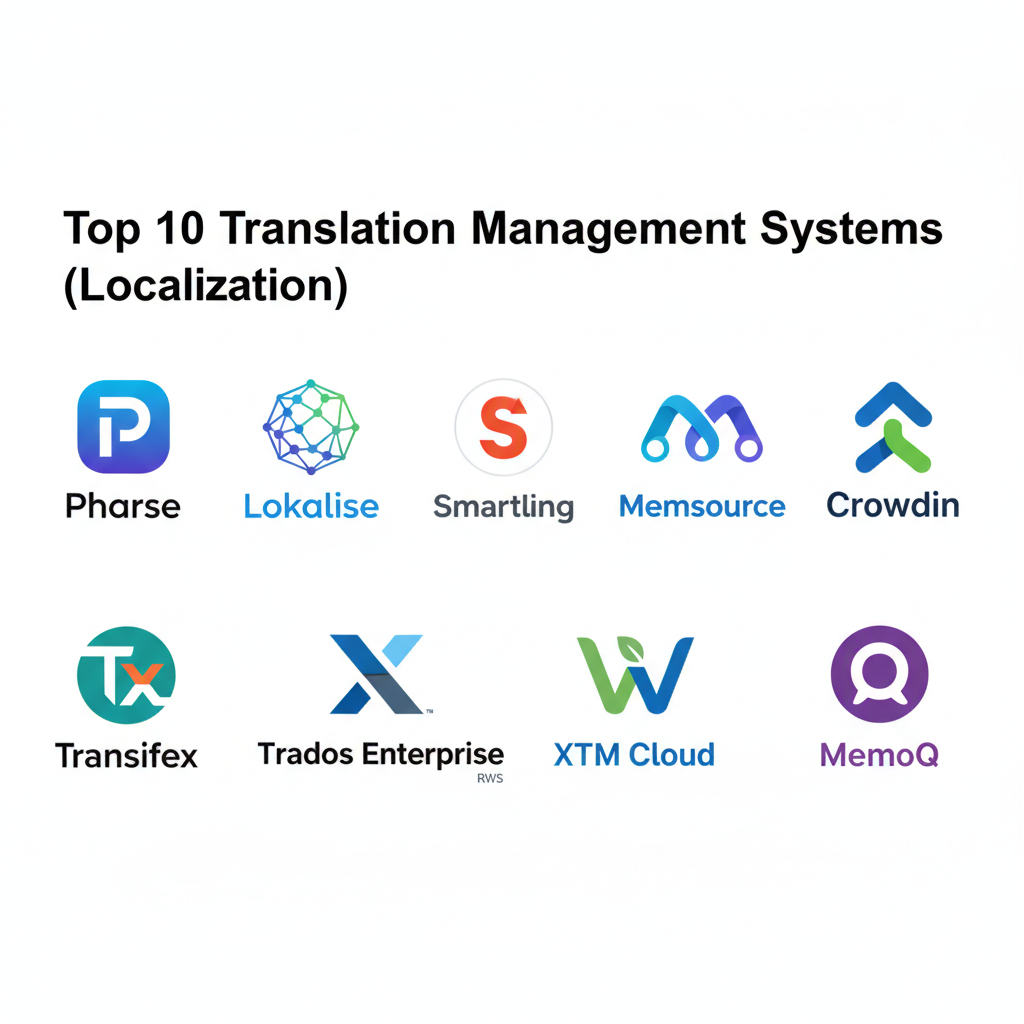
Top 10 Translation Management Systems (Localization) Tools
#1 — Phrase (formerly PhraseApp)
Phrase is a high-performance, cloud-based TMS known for its developer-friendly approach and “Phrase Strings” tool. it is designed to bridge the gap between software development and localization.
- Key features
- Native support for a vast array of software file formats (JSON, YAML, XML, etc.).
- Over-the-air (OTA) updates for mobile applications.
- Real-time “In-Context Editor” to see translations in the live app environment.
- Robust API and CLI for seamless integration into CI/CD pipelines.
- Automated workflow triggers based on status changes.
- Integrated Translation Memory and Glossary management.
- Advanced analytics for project tracking and linguist performance.
- Pros
- Widely considered the best tool for software development teams and agile workflows.
- Extremely fast and responsive user interface compared to legacy systems.
- Cons
- The pricing structure can become expensive as you add more users or “managed words.”
- Advanced features like AI-powered translation require higher-tier plans.
- Security & compliance: SOC 2 Type II, GDPR, ISO 27001, and SSO support.
- Support & community: Detailed documentation, active developer community, and 24/5 professional support.
#2 — Lokalise
Lokalise is a modern, highly visual TMS that emphasizes collaboration and automation. It is a favorite among fast-growing startups and tech companies looking to automate the entire localization process.
- Key features
- Adobe XD, Figma, and Sketch integrations for “design-stage” localization.
- Automated screenshot linking that matches text to visuals automatically.
- Multichannel support for web, mobile, and documentation.
- Custom “Lokalise Messages” for translating customer support chats.
- Extensive integration library (GitHub, Slack, Jira, Zendesk).
- Task branching and merging for complex software versions.
- Built-in machine translation engines (Google, DeepL, Microsoft).
- Pros
- The most intuitive and “modern” UI/UX in the localization market.
- Exceptional design-tool integrations that allow localization to start before coding begins.
- Cons
- Some users find the sheer number of notifications and updates overwhelming.
- Occasional performance lags when handling massive projects with millions of keys.
- Security & compliance: SOC 2, GDPR, and data encryption at rest and in transit.
- Support & community: High-quality live chat support, comprehensive “Lokalise Academy,” and active webinars.
#3 — Smartling
Smartling is an enterprise-grade platform that combines a powerful TMS with professional translation services. It focuses on the “Language Delivery Network” to simplify website localization.
- Key features
- Proxy-based website translation (Global Delivery Network) for low-code deployment.
- Visual Context for all content types, ensuring linguists see the layout.
- Automated content ingestion from CMS platforms like Contentful and Adobe Experience Manager.
- Quality Confidence Score (AI-driven) to predict translation quality.
- Detailed financial reporting and cost-per-word tracking.
- Direct access to Smartling’s curated network of professional translators.
- Advanced workflow branching for multi-step legal or medical reviews.
- Pros
- The “Proxy” solution is excellent for companies that want to go global without heavy IT involvement.
- Highly sophisticated quality management tools for large-scale enterprise needs.
- Cons
- High barrier to entry in terms of cost; strictly an enterprise-focused solution.
- The platform can feel overly complex for simple, non-web projects.
- Security & compliance: SOC 2 Type II, HIPAA, PCI DSS, GDPR, and ISO 27001.
- Support & community: Dedicated account managers, 24/7 technical support, and user conferences.
#4 — Memsource (Phrase TMS)
Memsource, now part of the Phrase brand, is a heavy-duty TMS that excels in high-volume processing and AI-driven automation. It is the preferred choice for large Language Service Providers (LSPs).
- Key features
- AI Non-Translatable Match (NTM) to save costs on technical terms.
- Support for over 500 file types, including niche CAD and desktop publishing files.
- Integrated “Memsource Editor” for both web and desktop.
- Automated project creation through watched folders (FTP, Cloud Storage).
- Sophisticated Machine Translation (MT) post-editing workflows.
- Translation Memory (TM) “leverages” that suggest previous translations across projects.
- Detailed vendor management and billing modules.
- Pros
- Incredible processing speed for large-scale batch file uploads.
- The AI-driven cost estimation is highly accurate for budgeting.
- Cons
- The interface is more “functional” than “beautiful,” appealing more to project managers than designers.
- Steeper learning curve for users who are not familiar with traditional CAT tools.
- Security & compliance: ISO 27001, GDPR, and secure SOC 2 certified data centers.
- Support & community: Robust documentation, technical training certifications, and global support.
#5 — Crowdin
Crowdin is an agile-centric TMS that focuses on community and team-based localization. It is widely used in the gaming and open-source communities.
- Key features
- “Crowdin Marketplace” with hundreds of apps to extend functionality.
- Support for “Crowdsourced” translation projects (volunteer-led).
- Real-time synchronization with GitHub, GitLab, and Bitbucket.
- Over-the-air (OTA) updates for mobile apps without App Store resubmission.
- Visual editor for translating Android and iOS strings.
- Task-based management with clear deadlines and progress bars.
- Machine Translation pre-translation to give human translators a head start.
- Pros
- Very flexible pricing that scales well from small open-source projects to large firms.
- Excellent community features if you want to involve your users in the translation process.
- Cons
- Managing volunteer-led projects requires significant moderation effort.
- The file-system approach can occasionally lead to confusion with complex versioning.
- Security & compliance: GDPR, SOC 2, and encryption for all stored data.
- Support & community: Strong community forum, knowledge base, and 24/7 email support.
#6 — Transifex
Transifex is a cloud-based localization platform that specializes in helping digital products go global. It is known for its “Native” solution that allows developers to manage translations within the code.
- Key features
- “Transifex Native” – a syntax for managing localization without file uploads.
- Live website translation via a simple JavaScript snippet.
- Automated “Auto-fill” using Translation Memory for high-velocity teams.
- Collaboration hub for translators, reviewers, and project owners.
- Support for video subtitle localization.
- Advanced search and replace across thousands of strings.
- Customizable translation workflows (e.g., Translation -> Edit -> Proofread).
- Pros
- The “Native” approach is a game-changer for developers tired of managing .strings or .json files.
- Very easy to set up for web-based applications.
- Cons
- Not as strong in “offline” file management compared to Memsource.
- Large projects can occasionally experience slower loading times in the editor.
- Security & compliance: SOC 2 Type II, GDPR, and standard SSO integrations.
- Support & community: Comprehensive help center, “Transifex Academy,” and live support.
#7 — Trados Enterprise (RWS)
Trados is the legacy leader in the translation industry. Trados Enterprise is the cloud-based evolution of the world’s most famous CAT tool, designed for massive global corporations.
- Key features
- World-class Translation Memory (TM) engine with decades of refinement.
- “MultiTerm” for sophisticated terminology and brand management.
- Comprehensive project management dashboard for thousands of simultaneous tasks.
- Seamless transition between desktop (Trados Studio) and cloud.
- Secure, high-scale API for custom enterprise integrations.
- Advanced reporting on cost savings and linguistic quality.
- Support for the most complex document types (InDesign, FrameMaker).
- Pros
- The “industry standard”; most professional translators are already experts in Trados.
- Unmatched ability to handle highly complex, technical, and large-scale file types.
- Cons
- Often considered the most expensive option on the market.
- The interface can be intimidating and overly complex for non-linguists.
- Security & compliance: ISO 27001, SOC 2, HIPAA, and GDPR.
- Support & community: Global 24/7 support, massive user community, and certification programs.
#8 — XTM Cloud
XTM Cloud is a fully featured, enterprise-scale TMS that prides itself on being “built for the cloud from day one.” It focuses on AI and scalability.
- Key features
- “XTM Inter-Connect” for linking multiple XTM instances (e.g., Client to Agency).
- AI-powered “NLP” (Natural Language Processing) to align Translation Memories.
- Mobile app for project managers to track progress on the go.
- Fully browser-based CAT tool with no local installation required.
- Advanced vendor management with automated purchase orders.
- Support for 250+ languages and 40+ file formats.
- Visual editor for websites and DITA-based documentation.
- Pros
- Excellent for large organizations that outsource work to multiple agencies.
- Very strong focus on data-driven linguistic quality.
- Cons
- The learning curve for project managers is quite steep.
- The UI feels a bit dated compared to the “startup-friendly” tools like Lokalise.
- Security & compliance: ISO 27001, GDPR, and SOC 2 Type II.
- Support & community: Personal account management and detailed training webinars.
#9 — Weblate
Weblate is a unique, open-source TMS that emphasizes tight integration with Version Control Systems (VCS). It is the premier choice for open-source projects and companies seeking self-hosting.
- Key features
- Deep, native integration with Git, Mercurial, and Subversion.
- Continuous localization: Weblate pushes translations directly back to your repo.
- Support for “checks” (automated QA for trailing spaces, placeholders).
- Community-driven localization features with easy onboarding.
- Self-hosting option for maximum data privacy and control.
- Support for over 150 file formats.
- Automatic suggestions from machine translation and other Weblate projects.
- Pros
- Completely free if you choose the self-hosted open-source version.
- The best tool for developers who want translations to “just live in Git.”
- Cons
- Requires significant technical knowledge to host and maintain yourself.
- The UI is developer-centric and may be difficult for traditional marketing teams.
- Security & compliance: GDPR compliant; security depends on your hosting environment.
- Support & community: Large GitHub community, IRC channel, and paid professional support options.
#10 — MemoQ
MemoQ is a robust TMS that provides a highly flexible environment for both freelance translators and large enterprises. It is known for its “Project Templates” that automate repetitive tasks.
- Key features
- “LiveDocs” – a way to use original documents as a corpus without a TM.
- Project templates that automate file assignment and workflow steps.
- Integrated “memoQ Video” for localizing multimedia content.
- Automated QA (Quality Assurance) modules to catch punctuation or tag errors.
- Collaborative “Server” version for team-based projects.
- High compatibility with Trados and other CAT tool file types.
- Sophisticated terminology management and extraction.
- Pros
- Extremely stable and reliable, even with very large files.
- Highly customizable; you can tweak almost every setting to fit your specific workflow.
- Cons
- The desktop-first roots mean the web version is not quite as feature-rich.
- License management for the server version can be complex.
- Security & compliance: GDPR compliant and secure data center options.
- Support & community: Excellent customer support, annual user conferences, and local user groups.
Comparison Table
| Tool Name | Best For | Platform(s) Supported | Standout Feature | Rating |
| Phrase | Software Developers | Web / API / CLI | In-Context App Editor | 4.8/5 |
| Lokalise | Design-led Teams | Web / Mobile / API | Figma/Adobe XD Sync | 4.9/5 |
| Smartling | Global Web Proxy | Web / Cloud | Low-code Web Proxy | 4.7/5 |
| Memsource | High-volume LSPs | Web / Desktop | AI Cost Estimation | 4.6/5 |
| Crowdin | Gaming / Community | Web / Cloud | Crowdsourcing Tools | 4.5/5 |
| Transifex | SaaS / Native Dev | Web / Cloud | Transifex Native (SDK) | 4.4/5 |
| Trados Ent. | Huge Corporations | Web / Desktop | Industry-Standard TM | 4.7/5 |
| XTM Cloud | Agency Management | Web / Cloud | Inter-Connect Networking | 4.3/5 |
| Weblate | Open Source / Git | Web / Self-hosted | Direct VCS Integration | 4.2/5 |
| MemoQ | Technical Content | Web / Desktop | LiveDocs Corpus | 4.6/5 |
Evaluation & Scoring of Translation Management Systems (Localization)
We evaluated these platforms based on a weighted scoring rubric that reflects the real-world priorities of modern localization teams.
| Category | Weight | Evaluation Highlights |
| Core Features | 25% | CAT editor quality, TM/Glossary management, and file support. |
| Ease of Use | 15% | Intuitiveness for non-linguists and setup speed. |
| Integrations | 15% | API depth and connectivity with Dev (GitHub) and Design (Figma). |
| Security & Compliance | 10% | Data privacy, SOC 2 status, and SSO availability. |
| Performance | 10% | System stability and speed when handling millions of words. |
| Support & Community | 10% | Training resources, documentation, and help desk response. |
| Price / Value | 15% | Scaling costs and ROI in terms of saved manual labor. |
Which Translation Management Systems (Localization) Tool Is Right for You?
Solo Users vs SMB vs Mid-Market vs Enterprise
If you are a Solo User or a small open-source project, Weblate or the entry-level tier of Crowdin is the most practical choice. SMBs looking for rapid growth and developer happiness will find Phrase or Lokalise to be the best “long-term” partners. Mid-Market companies with heavy web presence should consider Transifex. For Enterprises with complex legal, security, and document requirements, Trados Enterprise, Smartling, or XTM Cloud are the only solutions with the necessary “institutional” weight.
Budget-conscious vs Premium Solutions
If you are strictly Budget-conscious, Weblate is the clear winner for self-hosting. For paid options, Crowdin and Phrase offer scalable tiers that don’t break the bank for small teams. On the Premium end, Smartling and Trados Enterprise represent a significant investment but often pay for themselves through massive automation and the elimination of manual “copy-pasting” between a CMS and an agency.
Feature Depth vs Ease of Use
For those who prioritize Ease of Use, Lokalise is the gold standard; it looks and feels like a modern SaaS product (like Slack or Notion). If you need Feature Depth—specifically for managing highly technical terminology, complex file versions, or large vendor networks—Memsource and MemoQ offer the powerful, albeit more complex, environments required for those tasks.
Integration and Scalability Needs
If your product is built on GitHub or GitLab, you need a TMS that speaks “Dev.” Weblate and Phrase are built with this in mind. If your primary goal is scaling a Figma-driven design team, Lokalise is the obvious choice. Organizations that need to scale by connecting multiple agencies together should look at XTM Cloud.
Security and Compliance Requirements
Companies in Finance, Healthcare, or Government must prioritize HIPAA and ISO compliance. Trados Enterprise and Smartling have the longest track records in these highly regulated environments. Always ensure the TMS allows for SSO (Single Sign-On) and provides a clear audit log of every change made to your strings.
Frequently Asked Questions (FAQs)
What is the difference between a CAT tool and a TMS?
A CAT (Computer-Assisted Translation) tool is the editor a translator uses. A TMS is the management layer above it that handles file transfers, project assignments, billing, and collaboration. Most modern TMS platforms include a built-in CAT tool.
Does a TMS translate my content automatically?
A TMS manages the process. While most have “Machine Translation” integrations (like Google Translate or DeepL), the primary goal is to manage human translators and store “Translation Memory” so you never pay to translate the same sentence twice.
What is Translation Memory (TM)?
TM is a database that stores every sentence you have ever translated. When a similar sentence appears in a new project, the TMS suggests the previous translation, ensuring consistency and saving money.
How do TMS platforms handle “In-Context” previews?
Most use a proxy or a design integration. For example, the TMS can pull the live website layout and “inject” the translation into the view so the translator can see if the text breaks the buttons or overlaps.
Is it difficult to switch from one TMS to another?
It can be. While you can export your Translation Memory (TMX) and Glossary (TBX) files easily, the “workflows,” API integrations, and project histories are much harder to move.
Can I use my own translators with these tools?
Yes. Almost all TMS platforms are “vendor agnostic.” You can invite your in-house team, freelance contractors, or a third-party agency into the platform.
How does “Over-the-Air” (OTA) localization work?
For mobile apps, OTA allows you to fix a translation error or add a new language in the TMS and push it to the user’s phone instantly without waiting for a new App Store or Play Store update.
What are “Keys” vs. “Words”?
In software localization, content is often managed by “keys” (variable names). Many TMS platforms charge based on the number of keys or the total number of words under management.
What is a “Strings” file?
A “strings” file (like .strings for iOS or .xml for Android) is the technical file that holds all the text used in an app. A TMS is designed to read these files without breaking the code.
How long does it take to implement a TMS?
For a simple SaaS product, you can be up and running in a few hours. For a large enterprise with multiple CMS and Git integrations, full implementation can take 3 to 6 months.
Conclusion
Selecting the right Translation Management System is the difference between a global product launch that feels “local” and one that feels like a broken machine translation. For developer-heavy teams, the agility of Phrase and Lokalise is unmatched. For the corporate giants of the world, the heritage and scale of Trados Enterprise and Smartling remain the safe, professional choice.
Ultimately, the best TMS is the one that removes “manual friction.” It should allow your developers to code without worrying about files, your designers to see translations in Figma, and your linguists to work with full visual context. By centralizing your linguistic assets and automating your workflows, you transform localization from a “bottleneck” into a competitive advantage.