Introduction
An Operating System is the foundational software that manages a computer’s hardware resources and provides common services for computer programs. It handles everything from memory allocation and task scheduling to peripheral management and user interface rendering. Without an OS, every application would need to contain its own drivers and hardware management code, making software development nearly impossible.
The importance of the OS lies in its role as the gatekeeper of performance and security. It ensures that multiple applications can run simultaneously without crashing the system and protects sensitive data from unauthorized access. Key real-world use cases include:
- Enterprise Infrastructure: Running mission-critical servers and databases.
- Creative Production: Hosting high-end video editing and graphic design suites.
- Software Development: Providing the compilers, runtimes, and containers for building modern apps.
- Embedded Systems: Powering everything from smart fridges to industrial robotics.
When evaluating an OS, users should look for stability, hardware compatibility, application ecosystem, and long-term support (LTS) cycles.
Best for: Everyone from individual consumers and creative freelancers to IT administrators and global enterprise corporations across every industry.
Not ideal for: High-frequency trading hardware or specific industrial controllers that require a Real-Time Operating System (RTOS) with nanosecond latency, or “bare-metal” firmware where an abstraction layer would introduce unnecessary overhead.
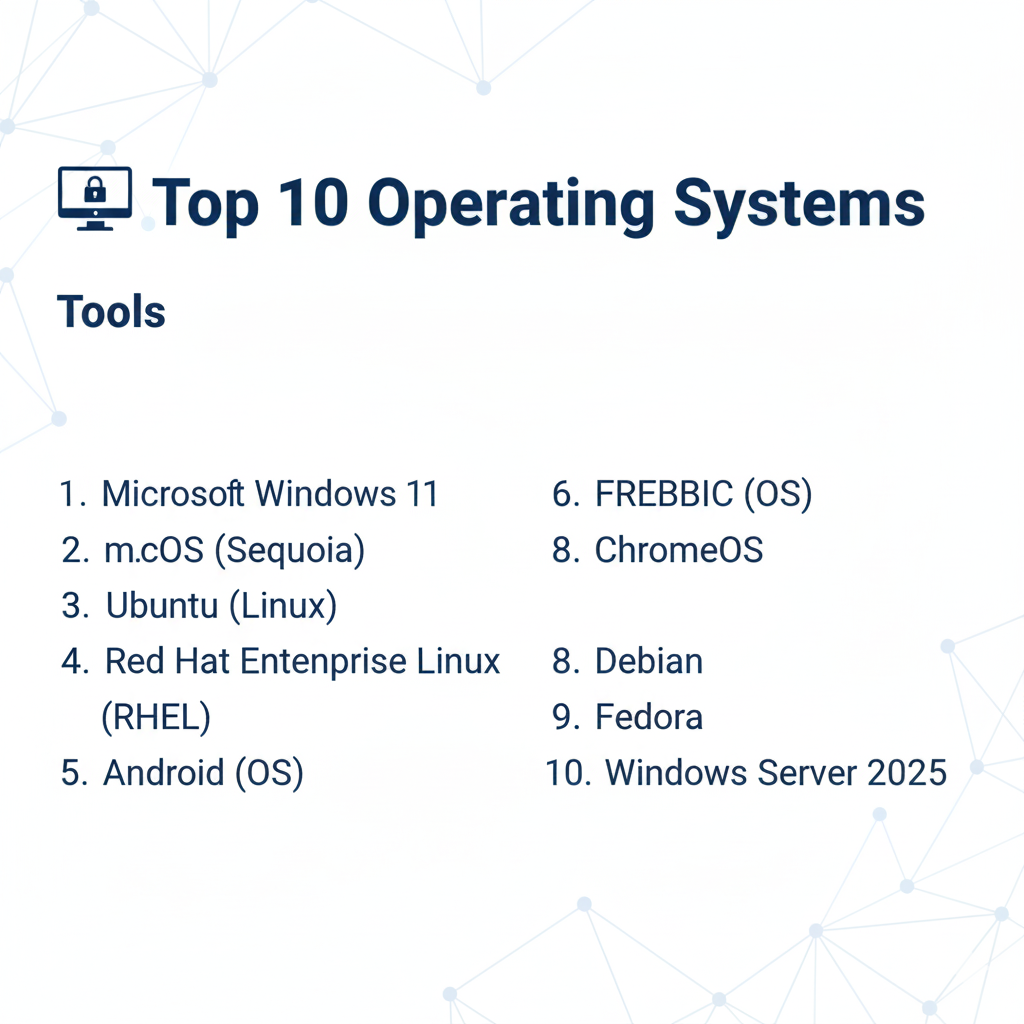
Top 10 Operating Systems
1 — Microsoft Windows 11
Windows 11 is the world’s most popular desktop operating system, designed for a broad audience ranging from gamers to corporate employees. It focuses on a modern visual design, improved window management, and deep integration with Microsoft 365.
- Key Features:
- Snap Layouts: Advanced window tiling for enhanced multitasking.
- Windows Subsystem for Linux (WSL 2): Runs a full Linux kernel alongside Windows.
- DirectStorage: High-speed data loading directly to the GPU for gaming.
- Microsoft Teams Integration: Native communication tools built into the taskbar.
- Windows Hello: Biometric security using facial recognition or fingerprints.
- Pros:
- Unmatched hardware and software compatibility, especially for legacy enterprise apps.
- The premier platform for high-end PC gaming.
- Cons:
- High system requirements (TPM 2.0) compared to older versions.
- Significant telemetry and background data collection.
- Security & Compliance: BitLocker encryption, Windows Defender, SOC 2/3, and GDPR compliance; specialized versions for HIPAA and Government.
- Support & Community: Massive global support network, extensive official documentation, and the largest user community in the world.
2 — macOS (Sequoia)
macOS is the proprietary operating system for Apple’s Mac hardware. It is renowned for its tight integration with Apple’s silicon (M-series chips), aesthetic polish, and dominance in the creative industries.
- Key Features:
- Continuity: Seamless transition of tasks between iPhone, iPad, and Mac.
- Time Machine: Built-in, user-friendly backup and recovery system.
- Metal API: Low-overhead hardware-accelerated graphics for professional apps.
- Universal Control: Use a single mouse and keyboard across multiple Apple devices.
- Spotlight: System-wide, high-speed intelligent search and indexing.
- Pros:
- Exceptional performance-per-watt optimization on Apple Silicon.
- Extremely high resale value for hardware due to long-term OS update support.
- Cons:
- Completely locked to Apple-branded hardware; no official DIY support.
- Window management is often considered less intuitive than Windows or Linux.
- Security & Compliance: FileVault 2 encryption, Gatekeeper, T2/Enclave security, and high standards for GDPR and ISO compliance.
- Support & Community: Premium AppleCare support, highly polished documentation, and a dedicated community of creative professionals.
3 — Ubuntu (Linux)
Ubuntu, developed by Canonical, is the most popular Linux distribution for both desktop and server use. It is praised for its balance of user-friendliness and powerful enterprise capabilities.
- Key Features:
- GNOME Desktop: A clean, modern, and highly customizable user interface.
- APT Package Manager: Simplified software installation and updates.
- Landscape: A management tool for large-scale Ubuntu server deployments.
- Snap Packages: Containerized applications that work across different Linux versions.
- ZFS Support: Native support for high-end, self-healing file systems.
- Pros:
- Free and open-source, reducing licensing costs for businesses.
- The industry standard for cloud computing and server-side development.
- Cons:
- Lack of support for some industry-standard software like Adobe Creative Cloud.
- Some hardware (specifically Wi-Fi cards/GPUs) may require manual driver hunting.
- Security & Compliance: AppArmor, Livepatch (kernel updates without rebooting), SOC 2, and FIPS 140-2 available via Ubuntu Pro.
- Support & Community: Extensive community forums (AskUbuntu), professional enterprise support from Canonical, and exhaustive documentation.
4 — Red Hat Enterprise Linux (RHEL)
RHEL is the premier commercial Linux distribution, designed specifically for the rigorous demands of enterprise data centers and hybrid cloud environments.
- Key Features:
- SELinux: Mandatory access control for high-security environments.
- Web Console: A powerful GUI for managing server health and configuration.
- AppStreams: Allows running multiple versions of a language/database on one OS.
- Insights: Predictive analytics that alert admins to potential system failures.
- Image Builder: Create customized OS images for AWS, Azure, or On-prem.
- Pros:
- Industry-leading stability with long-term support cycles (up to 10 years).
- Certified to run on virtually all major enterprise server hardware.
- Cons:
- Requires a paid subscription for production use.
- Not designed for casual desktop users or gaming.
- Security & Compliance: FIPS 140-2/3, FISMA, HIPAA, PCI DSS, and SOC 2.
- Support & Community: Legendary 24/7 technical support and a massive ecosystem of certified professionals.
5 — Android (OS)
While often thought of as a mobile OS, Android (based on the Linux kernel) is the most widely deployed operating system in the world, powering smartphones, tablets, and specialized hardware.
- Key Features:
- Google Play Protect: Built-in malware scanning for applications.
- Material You: A dynamic design language that adapts to user preferences.
- Multi-window Support: Runs two applications side-by-side.
- Enterprise Profiles: Separates work and personal data on a single device.
- Linux Kernel Base: High portability across ARM and x86 architectures.
- Pros:
- Massive application ecosystem (millions of apps).
- Highly flexible and customizable compared to other mobile platforms.
- Cons:
- System fragmentation leads to inconsistent update schedules across manufacturers.
- High resource usage compared to more lightweight mobile systems.
- Security & Compliance: Sandboxing, disk encryption, SOC 2, and GDPR compliant (managed via Android Enterprise).
- Support & Community: Vast community of developers and manufacturers; official support varies by device maker.
6 — ChromeOS
ChromeOS is a lightweight, cloud-centric operating system designed primarily for speed, simplicity, and security. It is the dominant force in the education sector.
- Key Features:
- Verified Boot: Checks for system tampering every time the OS starts.
- Sandboxing: Every tab and application runs in an isolated environment.
- Cloud-First Sync: User profiles and files follow you to any ChromeOS device.
- Android/Linux App Support: Can run mobile apps and development tools.
- Zero-Touch Enrollment: Simplifies deployment for thousands of school devices.
- Pros:
- Extremely fast boot times and low hardware requirements.
- Virtually immune to traditional Windows/Mac viruses.
- Cons:
- Heavily dependent on an internet connection for full functionality.
- Limited local storage and restricted professional software options.
- Security & Compliance: Automatic updates, SOC 2, HIPAA, and GDPR compliant.
- Support & Community: Managed via Google Admin Console for enterprises; strong support for educators.
7 — Debian
Debian is the “universal operating system.” It is a strictly community-driven, non-commercial Linux distribution that serves as the foundation for Ubuntu and many other systems.
- Key Features:
- Strict Stability Focus: Only thoroughly tested software reaches the “Stable” branch.
- Huge Repository: Over 59,000 software packages available.
- Multi-Architecture Support: Runs on everything from old PCs to modern servers.
- Free Software Focus: Prioritizes open-source components by default.
- dpkg System: The original, robust package management architecture.
- Pros:
- Unrivaled stability; ideal for servers that need to run for years without reboots.
- Completely free of corporate influence or licensing fees.
- Cons:
- Software in the “Stable” branch can often be significantly out of date.
- Installation can be more technical and less “polished” than Ubuntu.
- Security & Compliance: Robust audit logs, encryption support, and community-vetted security patches.
- Support & Community: Entirely volunteer-driven; massive wiki and mailing list support.
8 — Fedora
Fedora serves as the upstream source for Red Hat Enterprise Linux. It is designed for developers and tech enthusiasts who want the absolute latest features in the Linux world.
- Key Features:
- Cutting-edge Kernel: Always provides the latest Linux kernel versions.
- Flatpak Integration: Native support for modern, isolated desktop apps.
- Btrfs by Default: Advanced file system with snapshots and compression.
- Silverblue: An immutable version of the OS for extreme reliability.
- DNF Package Manager: Fast and intelligent software management.
- Pros:
- The best platform for experiencing new Linux technologies first.
- Exceptionally clean implementation of the GNOME desktop.
- Cons:
- Short support lifecycle (roughly 13 months) requires frequent upgrades.
- Can occasionally be less stable than “LTS” distributions.
- Security & Compliance: SELinux enabled by default; follows standard Linux security protocols.
- Support & Community: Backed by Red Hat; vibrant community of developers and early adopters.
9 — FreeBSD
FreeBSD is not Linux; it is a direct descendant of the original BSD (Berkeley Software Distribution) Unix. It is famous for its high-performance networking stack and storage capabilities.
- Key Features:
- ZFS Integration: The gold standard for data integrity and storage management.
- Jails: A lightweight virtualization system that predates modern containers.
- Ports Collection: A unique system for compiling software from source code easily.
- Bhyve: A high-performance hypervisor for running other OSes inside FreeBSD.
- High-Performance TCP/IP: Used by companies like Netflix for massive data streaming.
- Pros:
- Extremely high performance for storage and networking tasks.
- A very cohesive, well-documented system where the kernel and base tools are developed together.
- Cons:
- Much smaller hardware driver support compared to Linux or Windows.
- Steep learning curve for those used to desktop-oriented OSes.
- Security & Compliance: Capsicum sandboxing, auditdistd, and high-level encryption options.
- Support & Community: Excellent official Handbook; a tight-knit community of elite system administrators.
10 — Windows Server 2026
While sharing a kernel with Windows 11, Windows Server is optimized for background services, hosting websites, and managing massive corporate identities via Active Directory.
- Key Features:
- Active Directory: The industry standard for managing users and computers in a network.
- Hyper-V: A built-in enterprise-grade hypervisor for virtualization.
- Storage Spaces Direct: Create highly available storage from local disks.
- Desktop Experience vs. Core: Choose between a GUI or a command-line-only “Core” install.
- Hotpatching: Update the OS without restarting the server.
- Pros:
- The best support for Windows-based applications like SQL Server and .NET.
- Powerful GUI tools make it easier to manage than pure command-line Linux for some admins.
- Cons:
- Very high licensing costs compared to Linux.
- Larger security attack surface than lightweight Linux distributions.
- Security & Compliance: Windows Defender for Server, BitLocker, SOC, HIPAA, and ISO certified.
- Support & Community: Comprehensive Microsoft support and a global network of certified MSPs.
Comparison Table
| Tool Name | Best For | Platform(s) Supported | Standout Feature | Rating (Gartner) |
| Windows 11 | General Users / Gaming | x86, ARM | App Compatibility | 4.6 / 5 |
| macOS | Creatives / Developers | Apple Silicon | Hardware Integration | 4.8 / 5 |
| Ubuntu | Developers / Cloud | x86, ARM, Cloud | Ease of Use (Linux) | 4.7 / 5 |
| RHEL | Enterprise Data Center | x86, ARM, IBM Z | Long-term Stability | 4.8 / 5 |
| Android | Mobile / Embedded | ARM, x86 | Massive App Library | 4.5 / 5 |
| ChromeOS | Education / Web use | x86, ARM | Speed & Simplicity | 4.4 / 5 |
| Debian | Servers / Pure Open Source | All Architectures | Universal Stability | 4.6 / 5 |
| Fedora | Cutting-edge Tech | x86, ARM | Latest Features | 4.5 / 5 |
| FreeBSD | Networking / Storage | x86, ARM | ZFS & Jails | 4.3 / 5 |
| Win Server | Corporate IT | x86 | Active Directory | 4.5 / 5 |
Evaluation & Scoring of Operating Systems
| Category | Weight | Top Performer | Evaluation Notes |
| Core Features | 25% | macOS / Windows | Rich multimedia and multitasking frameworks. |
| Ease of Use | 15% | ChromeOS | Almost zero learning curve for anyone who uses a browser. |
| Ecosystem | 15% | Windows 11 | Unrivaled third-party software and hardware support. |
| Security | 10% | RHEL / Debian | Hardened by default for mission-critical work. |
| Performance | 10% | FreeBSD / macOS | Deep optimization for networking and custom silicon. |
| Support | 10% | Windows / RHEL | Global, 24/7 enterprise support tiers. |
| Value | 15% | Ubuntu / Debian | Free software with world-class capabilities. |
Which Operating System Is Right for You?
Choosing an operating system is a balance between your hardware, your software requirements, and your technical comfort level.
1. Solo Users vs. SMBs vs. Enterprises
- Solo Users: If you are a gamer or need office software, Windows 11 is the logical choice. If you are a designer or value aesthetics, macOS is the winner.
- SMBs: Ubuntu or ChromeOS can significantly reduce licensing costs. ChromeOS is particularly effective for businesses that operate primarily in the browser.
- Enterprises: RHEL and Windows Server are non-negotiable for their support contracts and compliance certifications.
2. Budget-Conscious vs. Premium
- Budget: Ubuntu and Debian are completely free. You can revive an old laptop with ChromeOS Flex for zero cost.
- Premium: macOS requires a high upfront hardware investment, and Windows Server requires ongoing licensing fees, but both offer unique professional advantages.
3. Feature Depth vs. Ease of Use
- High Feature Depth: Fedora and FreeBSD allow you to tweak every aspect of the kernel and file system, but they require a high degree of skill.
- Ease of Use: Windows 11 and ChromeOS are designed to “just work” for the average user.
4. Security and Compliance
For organizations with high security needs (Government, Finance), RHEL or Debian provide the most control over the software supply chain. For mobile fleets, Android Enterprise and ChromeOS offer the best remote management and sandboxing.
Frequently Asked Questions (FAQs)
1. Can I run Windows programs on Linux?
Yes, using tools like WINE or Proton, many Windows applications and games run well on Linux. However, complex software like Adobe Creative Cloud still requires Windows or macOS.
2. Which OS is best for programming?
Most developers prefer macOS or Linux (Ubuntu/Fedora) because they are Unix-based, making them closer to the environments where most code actually runs (servers).
3. Is Linux really more secure than Windows?
Linux is generally more secure by design (permissions/sandboxing) and because it isn’t targeted by as much common malware. However, a poorly configured Linux server can be just as vulnerable as a Windows one.
4. What is the difference between an OS and a Distribution?
The “OS” is the general category (Linux). A “Distribution” (like Ubuntu or Fedora) is a specific version that includes the Linux kernel plus a set of tools, a desktop, and a package manager.
5. Why do servers use Linux instead of Windows?
Linux is generally more efficient, requires fewer reboots, is free of licensing fees, and can be managed entirely via a command line, which is ideal for automation.
6. Can I install macOS on a regular PC?
This is known as a “Hackintosh.” While possible, it is difficult, violates Apple’s EULA, and is becoming nearly impossible with the shift to Apple Silicon (M1/M2/M3).
7. Does ChromeOS work without internet?
Yes, it can run Android apps, Google Docs (offline), and Linux tools without internet, but its core strength is cloud-based work.
8. What is “Dual Booting”?
This is a setup where you install two operating systems (e.g., Windows and Ubuntu) on one computer and choose which one to start when you turn the machine on.
9. Why is Android called an Operating System if it’s based on Linux?
Android uses the Linux kernel to talk to the hardware, but everything the user sees and interacts with (the UI, the Java-based apps) is unique to Android.
10. Is Windows Server faster than Desktop Windows?
Not necessarily. It is optimized for background tasks and high-memory usage rather than 3D graphics or high-speed user interface responses.
Conclusion
The “best” operating system is the one that stays out of your way and lets you do your best work. Windows 11 remains the king of versatility, while macOS is the pinnacle of hardware-software synergy. For those who value freedom and server stability, Ubuntu and Debian are the gold standards.
As we move further into a cloud-native world, the specific OS on your laptop may matter less than the OS running in your data center. By understanding the strengths of these top 10 systems, you can build a more secure, efficient, and powerful digital environment.