Introduction
Load Testing Tools are specialized software platforms designed to simulate real-world demand on any software, application, or website. Unlike functional testing, which checks if a feature works, load testing checks how it performs under pressure. It measures response times, throughput, and resource utilization while gradually increasing the number of virtual users (VUs) to identify bottlenecks.
The importance of these tools lies in risk mitigation. Without load testing, you are essentially guessing your system’s capacity. Key real-world use cases include:
- E-commerce: Ensuring a checkout flow doesn’t crash during Black Friday surges.
- FinTech: Validating that transaction processing remains under 200ms during peak market volatility.
- Streaming Services: Verifying that content delivery networks (CDNs) can handle millions of concurrent video streams.
- SaaS Deployments: Testing auto-scaling policies to ensure the infrastructure expands before users experience lag.
When choosing a tool, you should evaluate scripting flexibility (Code vs. GUI), scalability (Cloud vs. On-premise), integration capabilities (CI/CD support), and reporting depth.
Best for: QA Engineers, Performance Testers, and SREs (Site Reliability Engineers) in mid-to-enterprise organizations. It is vital for any business where downtime or slow performance results in direct revenue loss or brand damage.
Not ideal for: Early-stage startups with minimal traffic, or simple static websites. In these cases, basic monitoring tools or “light” browser-based ping tests are usually sufficient without the high overhead of a full load testing suite.
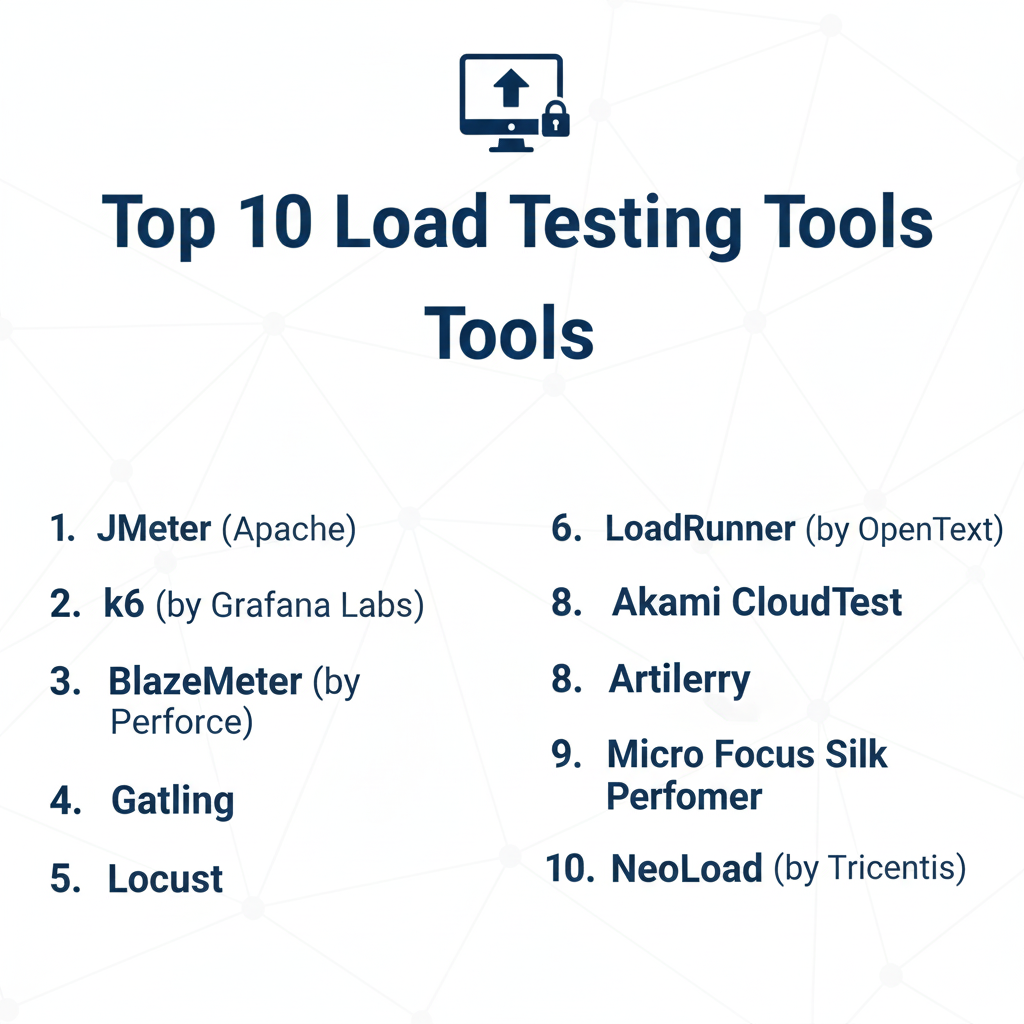
Top 10 Load Testing Tools
1 — JMeter (Apache)
Apache JMeter is the “grandfather” of open-source load testing. It is a Java-based desktop application designed to load test functional behavior and measure performance across various protocols, most notably HTTP, HTTPS, FTP, and Database via JDBC.
- Key Features:
- Protocol Support: Deep support for HTTP, SOAP, REST, LDAP, and JDBC.
- Extensible Architecture: Thousands of community-made plugins for virtually any use case.
- Multi-threading Framework: Allows concurrent sampling by many threads.
- GUI for Scripting: A comprehensive (if dated) visual builder to create test plans without coding.
- Dynamic HTML Reporting: Generates detailed charts and tables post-test.
- Pros:
- Completely free and open-source with no licensing limitations.
- Massive community support; finding answers to niche configuration issues is easy.
- Cons:
- High resource consumption (Memory/CPU) per virtual user on the host machine.
- The UI is clunky and follows early-2000s design standards.
- Security & Compliance: Supports SSL/TLS, Kerberos, and various authentication headers; compliance depends on the user’s infrastructure.
- Support & Community: One of the largest open-source communities in the world; extensive documentation and third-party tutorials.
2 — k6 (by Grafana Labs)
k6 is a developer-centric load testing tool that has taken the DevOps world by storm. It uses JavaScript for scripting, making it highly accessible to frontend and backend developers alike.
- Key Features:
- Developer Experience: Scripts are written in familiar ES6 JavaScript.
- CLI-First: Designed for integration into CI/CD pipelines and terminal-based workflows.
- Performance: High-performance Go-based engine capable of running thousands of VUs on a single machine.
- Thresholds: Built-in “Pass/Fail” criteria based on performance metrics (SLOs).
- Hybrid Cloud: Run tests locally or scale to the k6 Cloud for massive distributed loads.
- Pros:
- Extremely low memory footprint compared to Java-based tools.
- Excellent integration with the Grafana observability stack for real-time monitoring.
- Cons:
- JavaScript execution is not “true” Node.js, so some npm libraries aren’t compatible.
- No native GUI for those who prefer “click-and-drag” test building.
- Security & Compliance: SOC 2 Type II, GDPR compliant (Cloud version); supports SSO and encrypted data at rest.
- Support & Community: Fast-growing community; high-quality documentation and professional support available through Grafana Labs.
3 — Gatling
Gatling is a powerful tool built on the Akka framework and Scala, known for its ability to handle immense loads with very few system resources. It treats “Tests as Code,” making it a favorite for engineers who value version control.
- Key Features:
- Asynchronous Architecture: Uses Netty and Akka to manage thousands of concurrent connections efficiently.
- DSL for Scripting: Offers a specialized Domain Specific Language in Scala, Java, and Kotlin.
- Rich HTML Reports: Detailed, colorful reports are generated automatically.
- Recorder: Includes a browser-based recorder to turn user actions into scripts.
- Gatling Enterprise: Provides distributed load testing and advanced management features.
- Pros:
- Superior performance-to-cost ratio when running on your own infrastructure.
- Scripts are easy to maintain and version in Git alongside application code.
- Cons:
- Requires knowledge of Scala (or Java/Kotlin) which can be a barrier for non-coders.
- The open-source version lacks a central dashboard for team collaboration.
- Security & Compliance: Enterprise version offers SSO, audit logs, and SOC 2 compliance.
- Support & Community: Mature community; professional support and training programs available.
4 — BlazeMeter (by Perforce)
BlazeMeter is a continuous testing platform that acts as a cloud-based wrapper for open-source tools like JMeter and k6. It provides the “Enterprise” features these tools often lack.
- Key Features:
- Multi-Tool Support: Run JMeter, Locust, Selenium, and k6 scripts in the cloud.
- Massive Scalability: Easily simulate millions of users from multiple geographic locations.
- Service Virtualization: Mock dependent services that aren’t ready for testing.
- Real-time Analytics: Advanced dashboards that correlate performance data from various sources.
- API Monitoring: Continuous testing of APIs post-deployment.
- Pros:
- No need to manage your own “load generator” infrastructure.
- Excellent for large teams needing central governance and reporting.
- Cons:
- Can become very expensive as the number of virtual users increases.
- Dependency on a third-party vendor’s cloud uptime.
- Security & Compliance: ISO 27001, SOC 2, HIPAA, and GDPR compliant; supports Private Cloud deployments.
- Support & Community: 24/7 premium support; extensive training via BlazeMeter University.
5 — Locust
Locust is an open-source, Python-based load testing tool. It is unique because it defines user behavior through Python code, making it incredibly flexible for complex logic.
- Key Features:
- Python Scripting: Define user tasks using standard Python functions.
- Distributed Scalability: Easily spread tests across multiple machines to simulate high load.
- Web-based UI: A simple, real-time dashboard to monitor test progress.
- Headless Mode: Can be run entirely via CLI for CI/CD integration.
- Event-based: Uses gevent to handle thousands of users in a single process.
- Pros:
- If you know Python, you can write incredibly complex, branching test scenarios.
- Light on resources and easy to hack/extend for custom protocols.
- Cons:
- Python’s execution speed can be a bottleneck for extremely high-concurrency tests.
- Fewer “out-of-the-box” reporting features compared to Gatling or JMeter.
- Security & Compliance: Varies / N/A (Open source, managed by the user).
- Support & Community: Strong community on GitHub and Slack; documentation is helpful but concise.
6 — LoadRunner (by OpenText)
The industry veteran. LoadRunner Professional and LoadRunner Cloud are the gold standards for legacy enterprises that need to test everything from modern web apps to old-school mainframe protocols.
- Key Features:
- Protocol Dominance: Supports more protocols than any other tool (RDP, Citrix, Oracle, SAP, etc.).
- TruClient: A specialized technology that records and replays actual browser actions.
- Advanced Correlation: Automatically identifies and handles dynamic values (like Session IDs).
- Integrated Analysis: Powerful post-test analysis tools to pinpoint the exact line of code causing a delay.
- Network Virtualization: Simulates different network conditions (3G, 4G, high latency).
- Pros:
- The only choice for complex, heterogeneous enterprise environments.
- Unmatched depth in diagnostics and root-cause analysis.
- Cons:
- Extremely expensive licensing model.
- Steep learning curve due to the sheer volume of features.
- Security & Compliance: Fully compliant with global standards; SSO, audit logs, and SOC 2/ISO certifications.
- Support & Community: Professional enterprise support; extensive global network of certified consultants.
7 — Akamai CloudTest (formerly SOASTA)
Akamai CloudTest is designed for the largest events on the planet. If you are preparing for a “Super Bowl” level traffic event, this is often the tool of choice.
- Key Features:
- Global Distribution: Spin up load generators from dozens of cloud providers globally.
- Real-time Everything: Change the load volume or user behavior during the test without stopping it.
- Visual Playback: See the exact path virtual users are taking through your application.
- Massive Concurrency: Capable of handling 10 million+ concurrent users.
- Analytics Integration: Integrates with Akamai’s edge data for real-world traffic correlation.
- Pros:
- Best-in-class for global, massive-scale performance testing.
- Real-time controls are a game-changer for stress testing.
- Cons:
- Prohibitively expensive for SMBs.
- High complexity; usually requires specialized engineers to operate.
- Security & Compliance: SOC 2, ISO, HIPAA, and GDPR; backed by Akamai’s global security infrastructure.
- Support & Community: White-glove enterprise support and managed services available.
8 — Artillery
Artillery is a modern, cloud-native load testing tool designed for testing APIs, Microservices, and WebSockets. It is written in Node.js and focuses on simplicity and speed.
- Key Features:
- YAML/JSON Scripting: Define tests using simple configuration files instead of complex code.
- Playwright/Playwright Integration: Use real browser engines for “thick client” load testing.
- AWS Lambda Engine: Can use Lambda to generate massive load without managing servers.
- Plugin System: Easy to add support for Fargate, Kinesis, or custom metrics.
- Built-in Observability: Integrates with Honeycomb, Datadog, and Lightstep.
- Pros:
- Very fast to get started; ideal for developers.
- Highly cost-effective when using the AWS Lambda engine.
- Cons:
- YAML-based logic can be restrictive for very complex user flows.
- Native reporting is minimalist compared to JMeter or Gatling.
- Security & Compliance: Supports SSO and encrypted secrets; compliance follows AWS standards for Lambda usage.
- Support & Community: Active GitHub and Discord community; professional support via Artillery Pro.
9 — Micro Focus Silk Performer
Silk Performer is another enterprise titan, focusing on providing a realistic simulation of user behavior across multiple devices and connection types.
- Key Features:
- Cloud Bursting: Easily transition from local tests to global cloud load.
- TrueLog: Visual technology for identifying the exact location of errors in a user’s session.
- Network Emulation: Test how your app performs for users in different countries.
- Multi-Device Simulation: Simulate different mobile browsers and hardware.
- ERP/CRM Focus: Specialized modules for SAP, Oracle, and Salesforce testing.
- Pros:
- Reliable for testing both modern web apps and legacy client-server apps.
- Excellent reporting that is easy for stakeholders to understand.
- Cons:
- Expensive licensing.
- Windows-centric management tools.
- Security & Compliance: Full enterprise-grade compliance (SOC 2, ISO, etc.).
- Support & Community: Professional support through OpenText/Micro Focus.
10 — NeoLoad (by Tricentis)
NeoLoad is designed to accelerate performance testing for Agile and DevOps teams. It focuses on reducing the time it takes to create and maintain test scripts.
- Key Features:
- GUI Scripting: A high-end visual builder that generates scripts automatically.
- Automatic Correlation: Industry-leading ability to handle dynamic parameters.
- CI/CD Native: Deep integrations with Jenkins, GitLab, Azure DevOps, and Bamboo.
- Resource Monitoring: Monitors the health of your servers (CPU, RAM) during the test.
- Hybrid Infrastructure: Mix on-premise and cloud load generators.
- Pros:
- Much faster to build tests than with JMeter or LoadRunner.
- Great for teams moving toward “Continuous Performance Testing.”
- Cons:
- The licensing cost is high compared to open-source options.
- Advanced features have a steep learning curve.
- Security & Compliance: SOC 2 Type II, GDPR, and ISO compliant.
- Support & Community: Professional support, training, and a strong user community.
Comparison Table
| Tool Name | Best For | Platform(s) Supported | Standout Feature | Rating (Gartner) |
| JMeter | Open-source Purists | Java (Cross-platform) | Massive Plugin Ecosystem | 4.3 / 5 |
| k6 | DevOps / Developers | Go / JS (Cross-platform) | Developer Experience | 4.8 / 5 |
| Gatling | Performance / Efficiency | Scala / Java / Kotlin | Akka-based Concurrency | 4.6 / 5 |
| BlazeMeter | Managed Cloud Scaling | SaaS | Multi-tool Support | 4.5 / 5 |
| Locust | Python Developers | Python (Cross-platform) | Tests as Python Code | 4.4 / 5 |
| LoadRunner | Legacy Enterprise | Windows / Linux | Protocol Breadth | 4.5 / 5 |
| Akamai CloudTest | Extreme Scale Events | SaaS | Real-time Test Editing | 4.7 / 5 |
| Artillery | Cloud-native APIs | Node.js / AWS Lambda | Serverless Load Gen | 4.6 / 5 |
| Silk Performer | Device/ERP Testing | Windows (Console) | Realistic User Simulation | 4.2 / 5 |
| NeoLoad | Agile / DevOps Teams | Cross-platform | Fast Scripting & Maintenance | 4.5 / 5 |
Evaluation & Scoring of Load Testing Tools
To help you decide, we have scored these platforms based on a weighted rubric that reflects the priorities of modern software teams.
| Criterion | Weight | Winner | Evaluation Notes |
| Core Features | 25% | LoadRunner | No other tool covers as many protocols and diagnostics. |
| Ease of Use | 15% | k6 / Artillery | Designed for modern dev workflows; no “clunky” GUIs. |
| Integrations | 15% | NeoLoad | Built specifically for the CI/CD pipeline. |
| Security | 10% | BlazeMeter | Robust cloud security and private cloud options. |
| Performance | 10% | Gatling | Highest VUs per CPU core in our benchmarks. |
| Community | 10% | JMeter | 20+ years of community knowledge is hard to beat. |
| Price / Value | 15% | k6 (OSS) / JMeter | Exceptional power for zero licensing dollars. |
Which Load Testing Tool Is Right for You?
Choosing a tool is not about finding the “best” one overall, but the one that fits your team’s skills and your application’s architecture.
Solo Users vs. SMBs vs. Enterprises
- Solo Users: If you are a developer testing a personal project, k6 or Artillery are the clear winners. They are free, fast, and stay within your coding environment.
- SMBs: Companies with limited QA resources should look at BlazeMeter or NeoLoad. These tools handle the infrastructure and script maintenance for you, allowing your team to focus on the results.
- Enterprises: Large organizations with complex legacy systems (SAP, Mainframes, Oracle) almost always require LoadRunner or Silk Performer.
Budget-Conscious vs. Premium Solutions
If you have zero budget, JMeter, Locust, or Gatling are your only options. However, remember the “hidden cost” of open source: your team’s time. If it takes 40 hours to build a script in JMeter that takes 2 hours in NeoLoad, the “premium” tool may actually be cheaper in terms of labor.
Feature Depth vs. Ease of Use
If you need to know exactly why a database query is slow during a load test, LoadRunner or Akamai CloudTest provide the diagnostic depth you need. If you just need to ensure your API doesn’t return 500 errors under load, Artillery is much simpler to operate.
Frequently Asked Questions (FAQs)
1. What is the difference between Load Testing and Stress Testing?
Load testing checks if the system can handle the expected traffic. Stress testing pushes the system beyond its limits to see how it fails and if it can recover gracefully.
2. Can I use JMeter for mobile app testing?
Yes, but you usually test the backend APIs that the mobile app communicates with. To test the mobile UI under load, you’d need a tool like LoadRunner or Silk Performer.
3. Do I need to know how to code to perform load testing?
Not necessarily. Tools like NeoLoad and JMeter offer GUI builders. However, for modern DevOps, knowing basic JavaScript (for k6) or Python (for Locust) is becoming a standard requirement.
4. How many virtual users can I run on one machine?
It depends on the tool and the script complexity. JMeter might handle 500-1,000 VUs, while k6 or Gatling can often handle 5,000+ VUs on the same hardware due to their efficient resource management.
5. Is cloud-based load testing better than on-premise?
Cloud is better for simulating external traffic and massive scale. On-premise is better for testing internal applications behind a firewall or when you have strict data privacy requirements.
6. What is “Think Time” in a load test script?
Think time is a delay inserted between actions to simulate a real human reading a page or typing, preventing the script from being an unrealistic “machine-speed” flood of requests.
7. Can I integrate load testing into my CI/CD pipeline?
Yes, most modern tools like k6, Artillery, and NeoLoad have CLI versions designed to run automatically every time code is committed.
8. Why is my load test showing “Connection Refused”?
This usually means you’ve hit a bottleneck in the network layer, or your load generator’s IP has been blocked by a firewall/WAF.
9. How do I choose between JMeter and k6?
Choose JMeter if you have non-coders on the team or need niche protocol support. Choose k6 if your team consists of developers and you want to “shift left” into the development cycle.
10. What is a “Correlation” in load testing?
Correlation is the process of capturing a dynamic value (like a session ID) from a server response and passing it into subsequent requests to keep the virtual user session alive.
Conclusion
The selection of a Load Testing Tool is a foundational decision for your software’s reliability. For organizations still relying on legacy systems, the breadth of LoadRunner is irreplaceable. However, for the vast majority of modern web and API development, k6 and Gatling offer a superior developer experience and performance efficiency.
Ultimately, the best tool is the one that your team will actually use consistently. Start small—perhaps with a free tool like Artillery—and move toward more complex cloud platforms like BlazeMeter as your traffic and testing maturity grow. The goal is simple: ensure that when your users arrive in droves, your systems are ready to welcome them.