Introduction
An Application Server is a specialized software framework that provides an environment where applications can run, regardless of what they are or what they do. It acts as a middle tier between the user-facing web server and the back-end databases. Its primary role is to handle dynamic content generation, manage “state” (keeping track of a user’s session), and provide essential services like transaction management, messaging, and security.
The importance of an application server lies in its ability to abstract away infrastructure complexities. Instead of every developer writing their own code to handle security or database pooling, they rely on the server to provide these “plumbing” services. Key real-world use cases include processing online banking transactions, running massive e-commerce inventory systems, and powering internal corporate portals that require strict identity management.
When choosing an application server, users should evaluate spec compatibility (e.g., Jakarta EE or .NET), memory footprint, startup speed, and clustering capabilities for high availability.
Best for: Enterprise developers, architects, and DevOps teams in large-scale industries like Finance, Healthcare, and Telecommunications. It is essential for organizations building complex, multi-tier applications that require high reliability and transactional integrity.
Not ideal for: Simple static websites, small blogs, or basic landing pages. If your application consists only of HTML and CSS, or if you are using a purely serverless architecture (like AWS Lambda) for every function, a traditional application server may introduce unnecessary overhead and cost.
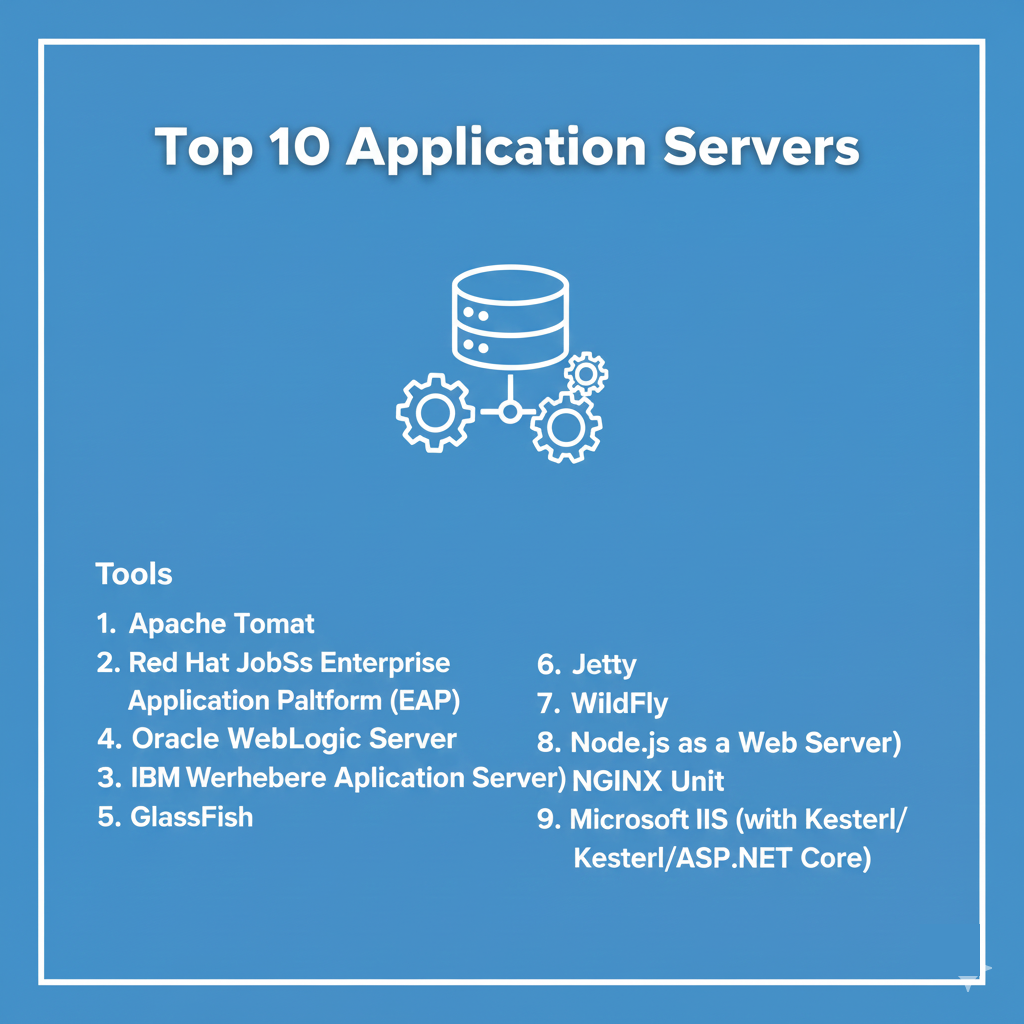
Top 10 Application Servers Tools
1 — Apache Tomcat
Apache Tomcat is the world’s most popular open-source Java Servlet container. While technically a “lite” application server, its ubiquity makes it the de facto standard for Java web applications that don’t require a full Java EE stack.
- Key Features:
- Servlet & JSP Support: Implements the latest Java Servlet and JavaServer Pages specifications.
- Lightweight Architecture: Low memory footprint compared to full-blown enterprise servers.
- Extensive Documentation: Decades of community-contributed guides and troubleshooting.
- Coyote Connector: A high-performance HTTP connector that supports the latest protocols.
- Cluster Support: Allows for session replication across multiple nodes.
- Pros:
- Extremely fast startup times and highly efficient resource usage.
- Very easy to embed within larger applications or microservices (Spring Boot).
- Cons:
- Lacks a full Jakarta EE implementation out of the box (no native EJB support).
- Requires manual configuration of many enterprise features that come standard in larger servers.
- Security & Compliance: Supports SSL/TLS, JAAS for authentication, and is highly configurable for GDPR/HIPAA compliance.
- Support & Community: Backed by the Apache Software Foundation; massive community support; professional support available via third-party vendors.
2 — Red Hat JBoss Enterprise Application Platform (EAP)
JBoss EAP is a hardened, open-source enterprise platform for the modern Java developer. Built on WildFly, it is designed to provide the stability and security required by the world’s largest organizations.
- Key Features:
- Full Jakarta EE Certified: Supports the complete suite of enterprise Java specifications.
- Management CLI & Console: Powerful tools for automating configuration across hundreds of servers.
- Modular Class Loading: Only loads the components needed, improving performance and security.
- Advanced Clustering: Superior high-availability features for mission-critical apps.
- Red Hat Ecosystem: Deep integration with OpenShift, Ansible, and Red Hat Linux.
- Pros:
- Excellent balance between cutting-edge features and rock-solid enterprise stability.
- Industry-leading security patching and long-term support cycles.
- Cons:
- Can be complex to configure for developers used to simpler containers like Tomcat.
- The enterprise subscription comes with a significant cost.
- Security & Compliance: FIPS 140-2, SOC 2, HIPAA, and GDPR compliant; integrated security domains.
- Support & Community: World-class 24/7 professional support from Red Hat; vibrant WildFly community.
3 — Oracle WebLogic Server
WebLogic is the “heavyweight champion” of the application server world. It is a robust, highly scalable platform designed to handle the most demanding enterprise workloads on the planet.
- Key Features:
- Coherence Integration: Built-in data grid for extreme scale and performance.
- Active GridLink: Optimized connectivity for Oracle Databases and RAC.
- Zero Downtime Patching: Allows for rolling updates without stopping service.
- Multi-tenancy: Run multiple isolated applications on a single server instance.
- Kubernetes Tooling: Specialized operators for running WebLogic in containerized environments.
- Pros:
- Unmatched scalability for massive, global deployments.
- Deepest possible integration with the Oracle database and hardware stack.
- Cons:
- Very high licensing and maintenance costs.
- Significant resource requirements (high RAM and CPU overhead).
- Security & Compliance: Comprehensive auditing, SSO, encryption, and full compliance with global standards (ISO, SOC, HIPAA).
- Support & Community: Premium Oracle support; extensive professional ecosystem; primarily enterprise-focused.
4 — IBM WebSphere Application Server (WAS)
IBM WebSphere is a flagship application server known for its reliability and its ability to connect legacy mainframe systems with modern web applications.
- Key Features:
- Liberty Profile: A highly composable, fast-starting version for microservices.
- Intelligent Management: Self-healing and dynamic load balancing features.
- Legacy Integration: Superior tools for connecting to IBM Z and other legacy environments.
- Global Security Kit (GSKit): Advanced encryption and certificate management.
- Cloud-native Support: Optimized for deployment on IBM Cloud and hybrid environments.
- Pros:
- Extremely mature and stable; preferred by the global banking and insurance sectors.
- The Liberty profile offers a surprisingly modern developer experience for an enterprise tool.
- Cons:
- The “Traditional” version is notoriously difficult to install and manage.
- Complex pricing models can be difficult for smaller organizations to navigate.
- Security & Compliance: Highly secure; meets the strictest federal and financial compliance standards globally.
- Support & Community: Excellent IBM enterprise support; extensive professional certification programs.
5 — GlassFish
GlassFish is the open-source reference implementation for the Java EE (now Jakarta EE) standard. It is the go-to server for developers who want to stay perfectly aligned with official specifications.
- Key Features:
- Reference Implementation: Always the first to support new Jakarta EE features.
- Admin GUI: A very user-friendly web-based console for server management.
- Modularity: Based on the OSGi framework, allowing for flexible component management.
- Integrated Tools: Comes with built-in support for messaging (JMS) and web services.
- Multi-language Support: Capable of running non-Java languages like JRuby and Groovy.
- Pros:
- Ideal for learning and developing against the latest standards.
- Surprisingly easy to set up compared to other full-stack enterprise servers.
- Cons:
- Community momentum has fluctuated over the years compared to JBoss/WildFly.
- Not as widely used in production for high-scale enterprise environments.
- Security & Compliance: Supports all standard Jakarta EE security protocols; Varies by version.
- Support & Community: Supported by the Eclipse Foundation; community-driven support with professional options from vendors like OmniFish.
6 — WildFly
WildFly (formerly JBoss AS) is the community-driven version of JBoss EAP. It is designed for developers who want the latest and greatest Java features as soon as they are available.
- Key Features:
- Undertow: A high-performance, non-blocking web server engine.
- Galleon: A specialized provisioning tool to build customized, slim server runtimes.
- Rapid Release Cycle: New versions released every few months with the latest tech.
- Domain Mode: Manage multiple server instances from a single control point.
- MicroProfile Support: Integrated support for building cloud-native microservices.
- Pros:
- Completely free and open-source with a massive feature set.
- Highly optimized for modern, containerized deployment workflows.
- Cons:
- Lacks the long-term support (LTS) stability of Red Hat JBoss EAP.
- Can be a “moving target” for production environments due to frequent updates.
- Security & Compliance: Includes Elytron security framework; supports OIDC and SAML out of the box.
- Support & Community: Large, active developer community; excellent documentation and GitHub forums.
7 — NGINX Unit
NGINX Unit is a modern, polyglot application server that breaks the tradition of language-specific servers. It is designed to run apps written in almost any language within a single process.
- Key Features:
- Multi-language Support: Runs Java, Python, PHP, Go, Node.js, and Ruby simultaneously.
- Dynamic Configuration: Reconfigure everything via a RESTful JSON API without restarting.
- Process Isolation: Each application runs in its own isolated process for security.
- Built-in Web Server: Can serve static assets and proxy traffic without a separate NGINX install.
- Lightweight Footprint: Extremely low overhead, making it perfect for microservices.
- Pros:
- Simplifies the stack by using one server for all your different languages.
- Changes take effect instantly, which is a game-changer for CI/CD pipelines.
- Cons:
- Lacks the deep enterprise “plumbing” (EJBs, complex transactions) found in Java-only servers.
- Relatively new compared to titans like WebSphere or WebLogic.
- Security & Compliance: Sandboxing, SSL/TLS integration, and compliant with modern web security standards.
- Support & Community: Developed by the NGINX/F5 team; professional support available via F5.
8 — Payara Server
Payara is an enterprise-grade derivative of GlassFish. It was created to provide the stability and support that GlassFish was perceived to be lacking for production use.
- Key Features:
- Auto-clustering: Simplifies the creation of server clusters for high availability.
- Monitoring Console: Deep visibility into JVM health and application performance.
- MicroProfile Ready: Built-in support for modern microservice patterns.
- Docker Integration: Highly optimized images for containerized environments.
- Security Hardening: Regular security patches and proactive vulnerability management.
- Pros:
- Provides a very stable, production-ready version of GlassFish.
- Highly responsive support team and transparent development roadmap.
- Cons:
- Enterprise support requires a paid subscription.
- Not as much third-party tooling as the JBoss or Tomcat ecosystems.
- Security & Compliance: SOC 2, HIPAA, and GDPR compliant frameworks; integrated certificate management.
- Support & Community: Strong professional support from Payara Services Ltd; active open-source community.
9 — Microsoft IIS (with Kestrel/ASP.NET Core)
While often called a web server, IIS (Internet Information Services) combined with the .NET Core runtime acts as a high-performance application server for the Windows ecosystem.
- Key Features:
- Native .NET Integration: The premier choice for C#, F#, and VB.NET applications.
- Application Pools: Isolates different applications for better stability and security.
- GUI Management: The most intuitive graphical management interface in the category.
- Azure Integration: Seamless migration path to the Azure cloud.
- Request Filtering: Built-in tools to block malicious traffic at the server level.
- Pros:
- The best performance and support for organizations invested in the Microsoft stack.
- Extremely easy to manage for IT teams used to Windows environments.
- Cons:
- Only runs on Windows Server (though .NET Core apps can run on Linux via Kestrel).
- Can be resource-intensive compared to minimalist Linux servers.
- Security & Compliance: Top-tier security; complies with all major global standards including SOC, HIPAA, and ISO.
- Support & Community: Full Microsoft support; massive global community of .NET developers.
10 — Jetty
Jetty is a lightweight, Java-based server that is famous for being “embeddable.” It is often found hidden inside other tools like Hadoop, Google App Engine, and Eclipse.
- Key Features:
- Small Footprint: Highly efficient and capable of running on very limited hardware.
- Asynchronous I/O: Handles large numbers of concurrent connections with ease.
- Websocket Support: One of the best implementations of real-time communication protocols.
- Modular Design: Use only the parts of the server you actually need.
- Cloud-optimized: Designed for massive scalability in virtualized environments.
- Pros:
- Perfect for developers who want to include a web server inside their code.
- Very high performance for specific use cases like streaming and real-time data.
- Cons:
- Not a full-stack Jakarta EE server; requires extra libraries for enterprise features.
- The management interface is very basic compared to JBoss or WebSphere.
- Security & Compliance: Hardened against modern web threats; widely used in high-security cloud platforms.
- Support & Community: Part of the Eclipse Foundation; strong community and professional support via Webtide.
Comparison Table
| Tool Name | Best For | Platform(s) Supported | Standout Feature | Rating (Gartner/True) |
| Apache Tomcat | Simple Java Web Apps | Cross-platform | Ubiquity & Speed | 4.7 / 5 |
| JBoss EAP | Enterprise Java | Linux, Win, Unix | Red Hat Ecosystem | 4.8 / 5 |
| WebLogic | Oracle-heavy Orgs | Linux, Solaris, Win | Database Integration | 4.5 / 5 |
| WebSphere | Banking / Legacy | Linux, z/OS, Win | Liberty Composability | 4.4 / 5 |
| GlassFish | Standards Compliance | Cross-platform | Reference Implementation | 4.1 / 5 |
| WildFly | Modern Java Dev | Linux, Win, Unix | Bleeding-edge Tech | 4.6 / 5 |
| NGINX Unit | Polyglot / Microserv. | Linux, Unix | Language Agnostic | 4.8 / 5 |
| Payara | GlassFish Users | Cross-platform | Ease of Clustering | 4.5 / 5 |
| MS IIS | .NET / Windows | Windows Server | Native .NET Support | 4.6 / 5 |
| Jetty | Embedded / Real-time | Cross-platform | Low Memory Footprint | 4.7 / 5 |
Evaluation & Scoring of Application Servers
The following weighted scoring rubric reflects the priorities of a modern IT decision-maker looking for a balance between power and agility.
| Criterion | Weight | Winner | Evaluation Notes |
| Core Features | 25% | WebLogic | Oracle’s feature set for clustering and scaling remains unrivaled. |
| Ease of Use | 15% | MS IIS | The graphical interface makes management accessible to everyone. |
| Integrations | 15% | JBoss EAP | Red Hat’s ecosystem allows for seamless DevOps automation. |
| Security | 10% | WebSphere | IBM’s track record in financial security is the industry benchmark. |
| Performance | 10% | NGINX Unit | The non-blocking, multi-language engine is incredibly fast. |
| Support | 10% | JBoss EAP | Red Hat’s open-source support model is highly praised by users. |
| Price / Value | 15% | Tomcat | Zero licensing cost for world-class performance. |
Which Application Servers Tool Is Right for You?
Choosing an application server is not just a technical decision; it is a business strategy.
1. Solo Users vs. SMB vs. Enterprise
- Solo Users/Developers: Tomcat or Jetty are your best bets. They are free, start fast, and won’t slow down your laptop during development.
- SMBs: WildFly or Payara provide enterprise features without the six-figure licensing costs of the major vendors.
- Enterprises: JBoss EAP, WebSphere, or WebLogic are essential. The 24/7 support and security guarantees are worth the premium for mission-critical apps.
2. Budget-conscious vs. Premium
- Budget: Tomcat, WildFly, and NGINX Unit offer professional-grade capabilities for free.
- Premium: If you have the budget, JBoss EAP offers the best ROI by combining open-source flexibility with top-tier professional support.
3. Feature Depth vs. Ease of Use
If you need complex transaction handling (e.g., global banking), you need the feature depth of WebLogic. If you want to get an app running in 10 minutes, the ease of use of IIS or Tomcat is superior.
4. Integration and Scalability
For those running on Oracle hardware/databases, WebLogic is the logical choice. For those running Kubernetes and OpenShift, JBoss EAP or WildFly are the most natural fits.
Frequently Asked Questions (FAQs)
1. Is Tomcat an application server or a web server?
Tomcat is technically a “Web Container” or “Servlet Container.” It handles Java Servlets and JSPs but doesn’t implement the full Jakarta EE specification (like EJBs or JTA). Most people use it as a lightweight application server.
2. Why are application servers so expensive?
Enterprise servers (like WebSphere or WebLogic) include massive amounts of “middleware” features—clustering, global security, mainframe connectors, and data grids—plus 24/7 emergency support. You are paying for reliability and peace of mind.
3. Can I run an application server on Linux?
Yes. Almost all major application servers (except IIS) were built for Linux/Unix and perform best in those environments.
4. What is the difference between JBoss and WildFly?
WildFly is the community version where new features are tested. JBoss EAP is the “stabilized” version of WildFly that Red Hat sells with a support subscription and long-term security patches.
5. Do I need an application server if I use Spring Boot?
Spring Boot actually has an application server (usually Tomcat or Jetty) embedded inside it. You don’t need a standalone server because the app brings its own runtime with it.
6. Can one application server run different languages?
Most traditional servers are language-specific (Java or .NET). However, modern tools like NGINX Unit can run multiple languages like Python, PHP, and Go in a single server instance.
7. How do I secure an application server?
Always disable the default admin password, use SSL/TLS for all traffic, isolate the server in a private network, and keep the server version updated to protect against known vulnerabilities.
8. What is “Clustering” in this context?
Clustering is connecting multiple application servers together so they act as one. If one server fails, the others take over the workload so the user never notices a service interruption.
9. Is IIS better than Apache for .NET?
Yes. IIS is built by Microsoft specifically to host .NET. While you can host .NET on Linux using Apache/Nginx as a proxy to Kestrel, IIS provides the best native management for Windows-based .NET apps.
10. What is Jakarta EE?
Jakarta EE (formerly Java EE) is a set of official specifications for building enterprise software. It defines how things like messaging, transactions, and persistence should work so that code can be moved between different servers.
Conclusion
The “best” application server depends entirely on your architectural goals. If you are building a modern, cloud-native microservice, the lightweight agility of Tomcat, Jetty, or NGINX Unit is unbeatable. If you are managing a massive enterprise with decades of transactional data, the brute power of JBoss EAP, WebLogic, or WebSphere is a necessary foundation.
Ultimately, the goal of an application server is to let developers focus on writing code that solves business problems, rather than worrying about infrastructure. Choose the platform that best aligns with your team’s skills and your organization’s compliance needs.