Introduction
Audio editing software is a digital tool used to record, modify, enhance, mix, and finalize sound recordings. It allows users to cut unwanted parts, remove background noise, adjust volume levels, apply effects, and produce clear, professional-quality audio. These tools are essential for anyone who works with voice, music, or sound effects.
Audio quality has a direct impact on how content is received. Poor sound can distract listeners, reduce trust, and lower engagement, even if the content itself is strong. Clean and balanced audio improves clarity, professionalism, and listener experience. This is why audio editing software is widely used in podcasts, music production, films, online courses, advertising, gaming, and corporate training.
In real-world scenarios, audio editing software is used for podcast production, music composition, audiobook creation, voiceovers, radio broadcasting, video post-production, game sound design, and digital marketing. Businesses also rely on it for internal training, customer support recordings, and promotional media.
When selecting audio editing software, users should look at editing depth, noise reduction quality, supported audio formats, system performance, ease of use, platform compatibility, scalability, and export options. Budget, learning curve, support availability, and long-term usability are also critical factors.
Best for:
Audio editing software is best suited for podcasters, musicians, singers, DJs, sound engineers, video creators, YouTubers, educators, journalists, marketers, game developers, and media production teams. It serves freelancers, small studios, growing businesses, and enterprise-level organizations.
Not ideal for:
Users who only need simple voice recording or very basic trimming may not need full audio editing software. Lightweight recording tools or built-in system applications may be sufficient for such minimal use cases.
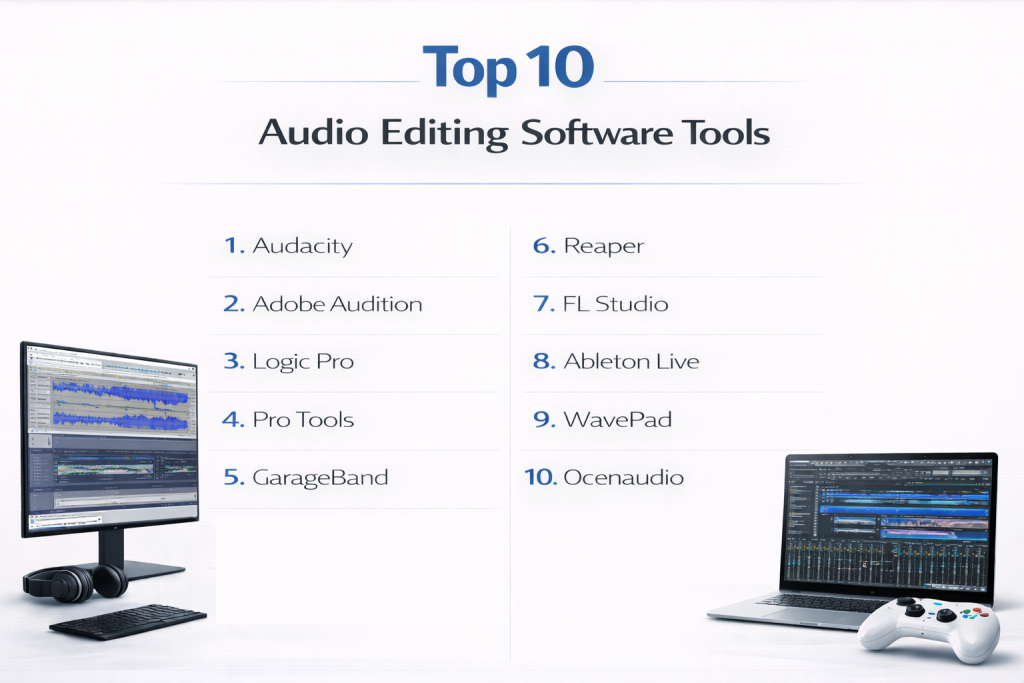
Top 10 Audio Editing Software Tools
1 — Audacity
Audacity is a widely used open-source audio editing software that allows users to record, edit, and process audio files without cost. It is especially popular among beginners, students, educators, and independent creators who want reliable editing features without investing in paid tools. Audacity is commonly used for podcasts, interviews, voice recordings, and simple music editing. While it does not offer advanced studio-level features, it provides stable performance and essential tools for everyday audio tasks.
Key features:
- Multi-track audio recording and editing
- Noise reduction and background noise removal
- Support for common audio formats
- Built-in effects such as equalization and compression
- Plugin support for extended functionality
- Waveform and spectrogram views
- Lightweight and fast performance
Pros:
- Completely free and open source
- Easy to use for beginners
- Strong global user community
Cons:
- Outdated user interface
- Limited advanced mixing tools
- Manual workflow for complex projects
Security & compliance:
Varies / N/A (local desktop application)
Support & community:
Extensive documentation, forums, tutorials, and an active open-source community.
2 — Adobe Audition
Adobe Audition is a professional audio editing and mixing software designed for broadcasters, podcasters, and video production professionals. It offers advanced tools for cleaning, repairing, and enhancing audio, making it suitable for high-quality production environments. Adobe Audition is widely used in media houses, podcast studios, and content production teams that require precise control and consistent audio output.
Key features:
- Advanced multi-track editing and mixing
- Industry-grade noise reduction
- Spectral frequency editing
- Batch processing for large audio workloads
- Audio restoration and repair tools
- High-quality export options
- Structured workflow for professionals
Pros:
- Excellent audio cleanup capabilities
- Professional-grade sound output
- Reliable for broadcast and podcast use
Cons:
- Subscription-based pricing
- Requires good system resources
- Learning curve for new users
Security & compliance:
Encryption in transit, GDPR compliance, enterprise controls available
Support & community:
Detailed documentation, tutorials, professional support, and a large user base.
3 — Logic Pro
Logic Pro is a powerful audio editing and music production software developed for macOS users. It is designed for musicians, composers, producers, and audio engineers who need advanced tools for recording, editing, mixing, and mastering music. Logic Pro includes a large collection of instruments, effects, and sound libraries, making it suitable for professional music creation and studio production.
Key features:
- Advanced audio and MIDI editing
- Large library of instruments and effects
- Multi-track recording and mixing
- Automation and control surface support
- Professional mastering tools
- High-resolution audio support
- Optimized macOS performance
Pros:
- One-time purchase with high value
- Deep music production capabilities
- Stable and efficient performance
Cons:
- macOS only
- Less focused on spoken audio
- Requires time to master
Security & compliance:
Varies / N/A
Support & community:
Strong learning resources, documentation, and music production community.
4 — Pro Tools
Pro Tools is an industry-standard audio editing software widely used in professional recording studios, film production, and television broadcasting. It is built to handle large, complex audio projects with high precision and reliability. Pro Tools is often chosen by audio engineers and production houses that require top-level sound quality and industry compatibility.
Key features:
- Advanced multi-track editing
- High-end mixing and mastering tools
- Support for large sessions
- Hardware integration
- Surround and immersive audio
- Collaboration features
- Industry-standard formats
Pros:
- Trusted professional standard
- Excellent sound quality
- Scales well for large projects
Cons:
- High cost
- Steep learning curve
- Hardware dependency for best performance
Security & compliance:
Enterprise-grade controls, varies by setup
Support & community:
Professional support plans, certifications, and global user community.
5 — GarageBand
GarageBand is a beginner-friendly audio and music creation tool designed for macOS and iOS users. It is ideal for hobbyists, students, and beginners who want to explore audio recording and music creation without technical complexity. GarageBand provides a simple interface with built-in instruments and loops that make content creation easy and enjoyable.
Key features:
- Simple multi-track recording
- Built-in instruments and loops
- Basic audio effects
- MIDI editing
- Touch-friendly interface
- Easy export options
Pros:
- Free for Apple users
- Very easy to learn
- Good for beginners
Cons:
- Limited advanced tools
- Apple ecosystem only
- Not suitable for complex projects
Security & compliance:
Varies / N/A
Support & community:
Beginner-focused documentation and tutorials.
6 — Reaper
Reaper is a flexible and highly customizable digital audio workstation designed for users who want control over their workflow. It supports advanced editing, automation, and plugin integration while maintaining excellent performance on most systems. Reaper is preferred by power users and independent professionals who value customization and efficiency.
Key features:
- Multi-track audio and MIDI editing
- Customizable interface
- Low system resource usage
- Extensive plugin support
- Automation and scripting
- Fast rendering engine
Pros:
- Affordable licensing
- Highly customizable
- Strong performance efficiency
Cons:
- Interface not beginner-friendly
- Requires setup and learning
- Smaller built-in effect library
Security & compliance:
Varies / N/A
Support & community:
Strong forums, documentation, and active user base.
7 — FL Studio
FL Studio is a creative audio editing and music production software widely used by electronic music producers and beat makers. It is designed around a pattern-based workflow that allows fast composition and arrangement. FL Studio is best suited for music creation rather than spoken-word editing.
Key features:
- Pattern-based sequencing
- Advanced MIDI and audio editing
- Large plugin and instrument library
- Automation clips
- Real-time effects
- Lifetime updates
Pros:
- Creative workflow
- Strong music production focus
- Long-term value
Cons:
- Less suitable for podcasts
- Interface can feel busy
- Learning curve for beginners
Security & compliance:
Varies / N/A
Support & community:
Extensive tutorials and global music community.
8 — Ableton Live
Ableton Live is a versatile audio editing and music production tool designed for both studio use and live performances. It offers a unique workflow that encourages experimentation while supporting structured editing. Ableton Live is widely used by performers, DJs, and sound designers.
Key features:
- Session and arrangement views
- Real-time audio manipulation
- Advanced effects and instruments
- MIDI and audio recording
- Automation and modulation
- Live performance tools
Pros:
- Innovative workflow
- Excellent for live use
- Creative flexibility
Cons:
- Higher pricing
- Not beginner-focused
- Podcast editing requires setup
Security & compliance:
Varies / N/A
Support & community:
Strong learning resources and creative community.
9 — WavePad
WavePad is a simple and lightweight audio editing software designed for quick and basic audio tasks. It is suitable for trimming, noise removal, and format conversion, making it ideal for small businesses and individuals handling short audio clips.
Key features:
- Basic editing tools
- Noise reduction
- Batch processing
- Audio effects
- Format conversion
- Lightweight performance
Pros:
- Easy to use
- Fast for small tasks
- Low system requirements
Cons:
- Limited advanced features
- Basic interface
- Not suitable for professional studios
Security & compliance:
Varies / N/A
Support & community:
Standard documentation and customer support.
10 — Ocenaudio
Ocenaudio is a clean and user-friendly audio editing software designed for beginners and casual users. It focuses on speed and simplicity while still offering useful features like real-time effect preview and spectral analysis.
Key features:
- Real-time effect preview
- Multi-platform support
- Simple editing tools
- Spectral analysis
- Lightweight design
- Plugin support
Pros:
- Very easy to learn
- Clean interface
- Fast performance
Cons:
- Limited multi-track support
- Basic feature set
- Not suitable for large projects
Security & compliance:
Varies / N/A
Support & community:
Good documentation and moderate community support.
Comparison Table
| Tool Name | Best For | Platforms | Standout Feature | Rating |
|---|---|---|---|---|
| Audacity | Beginners | Windows, macOS, Linux | Free and open source | N/A |
| Adobe Audition | Podcasters | Windows, macOS | Audio restoration | N/A |
| Logic Pro | Music professionals | macOS | Built-in instruments | N/A |
| Pro Tools | Studios | Windows, macOS | Industry standard | N/A |
| GarageBand | Beginners | macOS, iOS | Ease of use | N/A |
| Reaper | Power users | Windows, macOS, Linux | Customization | N/A |
| FL Studio | Music producers | Windows, macOS | Pattern workflow | N/A |
| Ableton Live | Performers | Windows, macOS | Live audio | N/A |
| WavePad | Quick edits | Windows, macOS | Simplicity | N/A |
| Ocenaudio | Casual users | Windows, macOS, Linux | Real-time preview | N/A |
Evaluation & Scoring of Audio Editing Software
| Criteria | Weight |
|---|---|
| Core features | 25% |
| Ease of use | 15% |
| Integrations & ecosystem | 15% |
| Security & compliance | 10% |
| Performance & reliability | 10% |
| Support & community | 10% |
| Price / value | 15% |
Which Audio Editing Software Tool Is Right for You?
Solo users and beginners should prioritize ease of use and affordability. Small businesses benefit from tools that balance cost and features. Mid-market teams require scalability and deeper editing capabilities. Enterprise users should focus on collaboration, performance, and professional support. The right tool depends on workflow, experience, and long-term needs.
Frequently Asked Questions (FAQs)
- What is audio editing software used for?
It is used to record, edit, clean, mix, and enhance audio content. - Is free audio editing software reliable?
Yes, for many basic and intermediate tasks. - Which tool is best for podcast editing?
Tools with strong noise reduction work best. - Can audio editing software remove background noise?
Most modern tools include noise cleanup features. - Do musicians need professional tools?
Professional tools provide better control and sound quality. - Is audio editing software hard to learn?
Difficulty varies by tool and user experience. - Can these tools handle large projects?
Professional tools are designed for complex workloads. - Are these tools good for voiceovers?
Yes, many are commonly used for voice recording. - What hardware is required?
Advanced tools require stronger systems. - Can users switch tools later?
Yes, common audio formats allow migration.
Conclusion
Audio editing software is essential for creating high-quality sound in modern digital content. From simple voice edits to professional music production, the right tool improves clarity, efficiency, and output quality.
There is no single best audio editing software for everyone. The ideal choice depends on your goals, experience level, budget, and workflow requirements. By understanding your needs and comparing features carefully, you can select a tool that delivers consistent and long-term value.